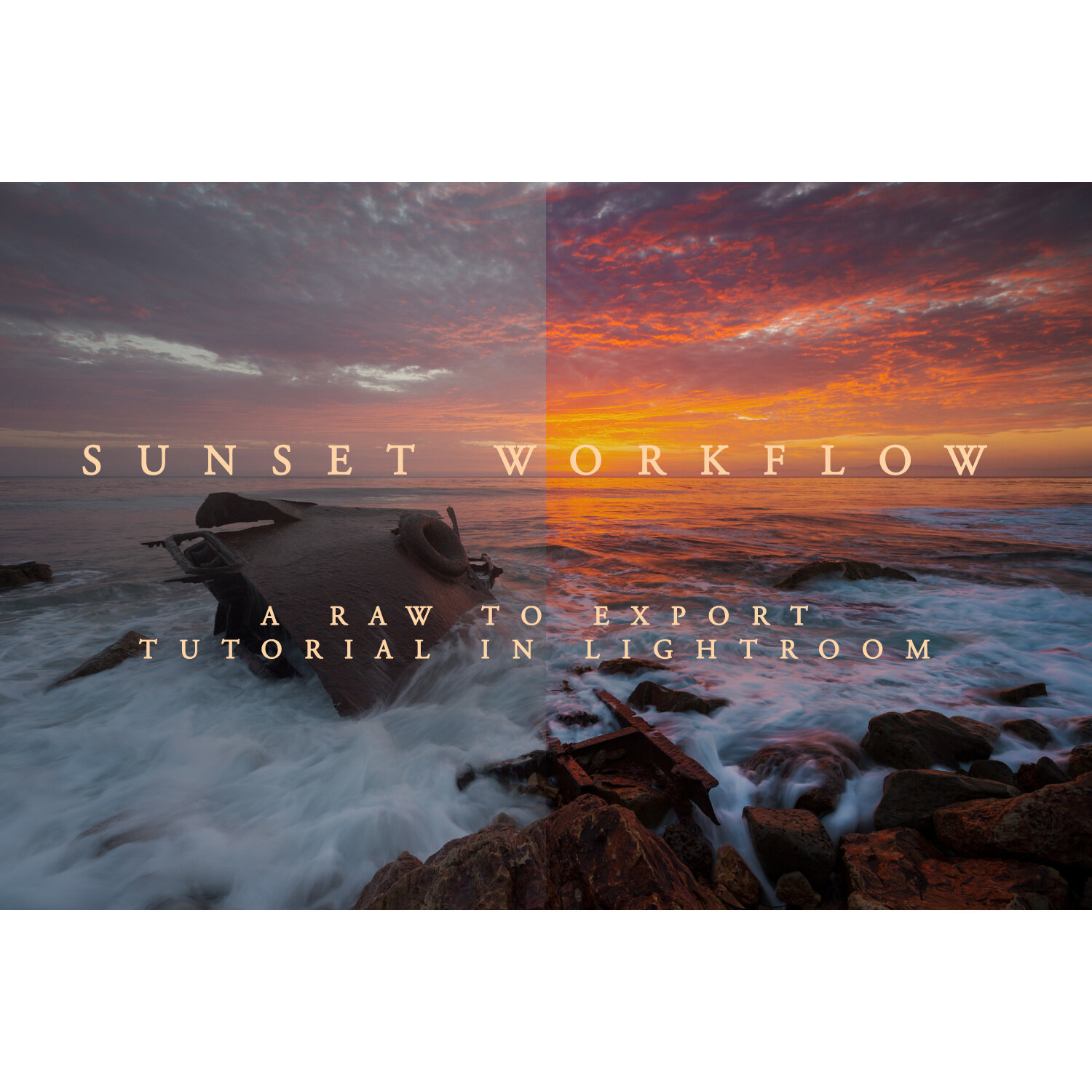
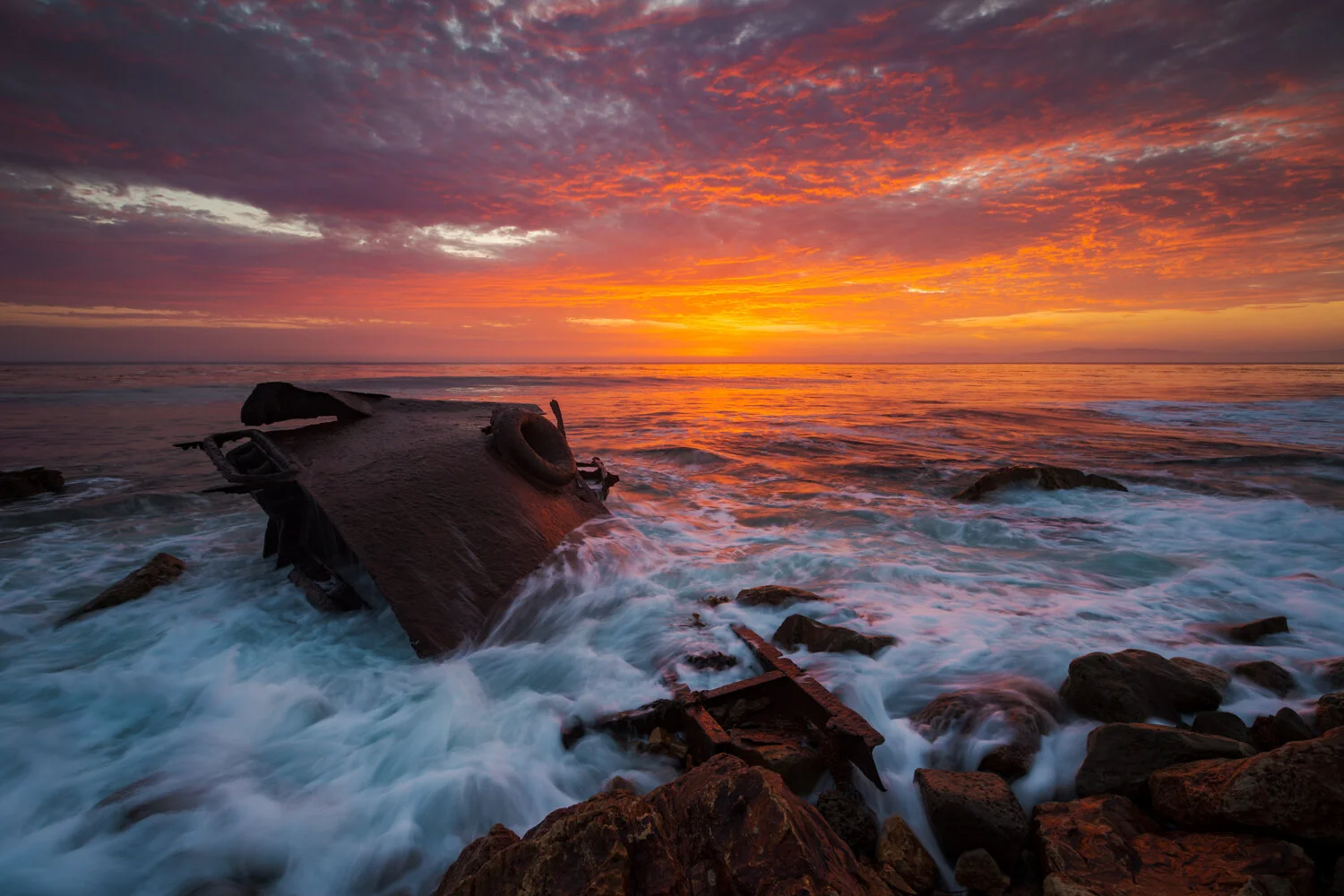
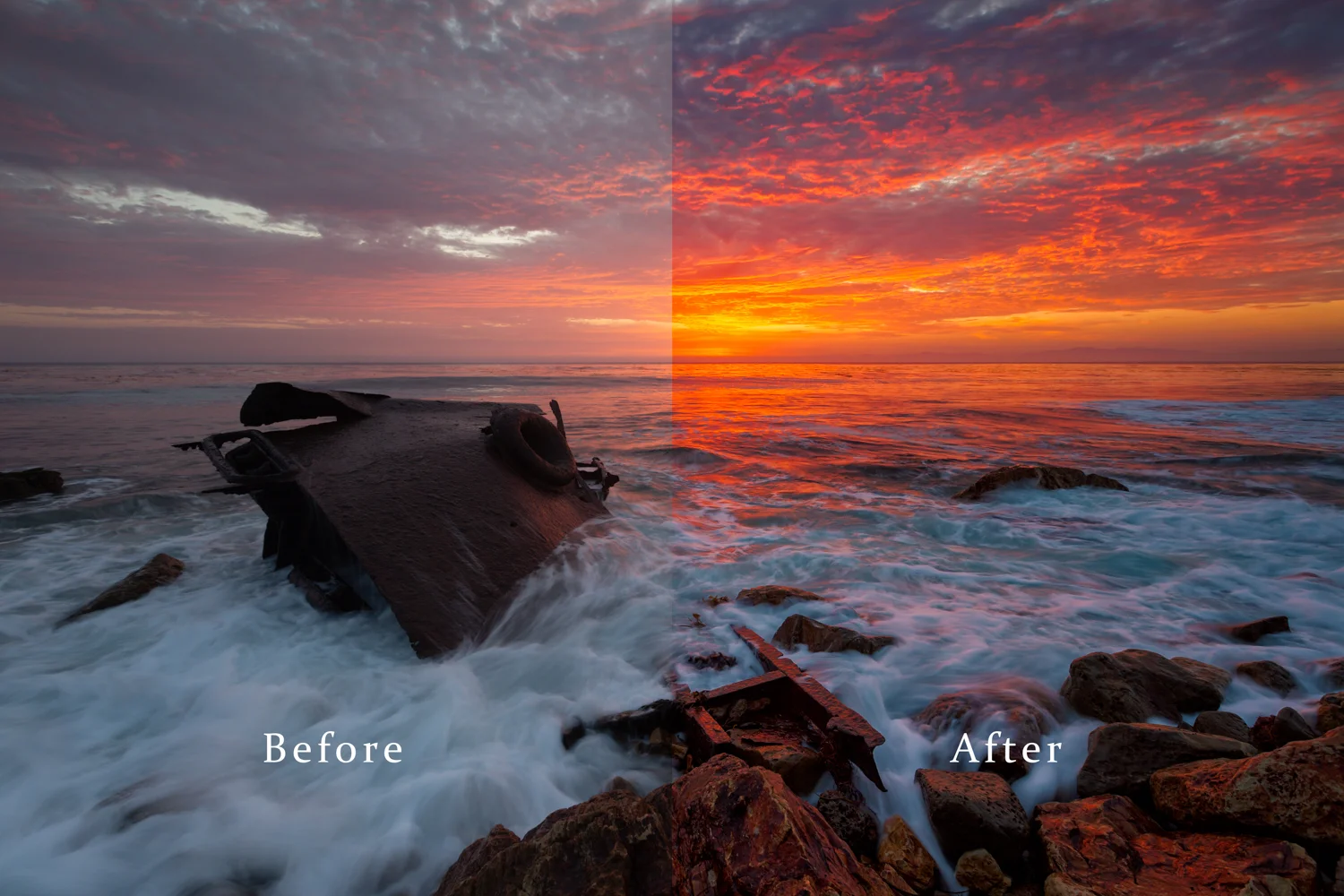
 Image 1 of 3
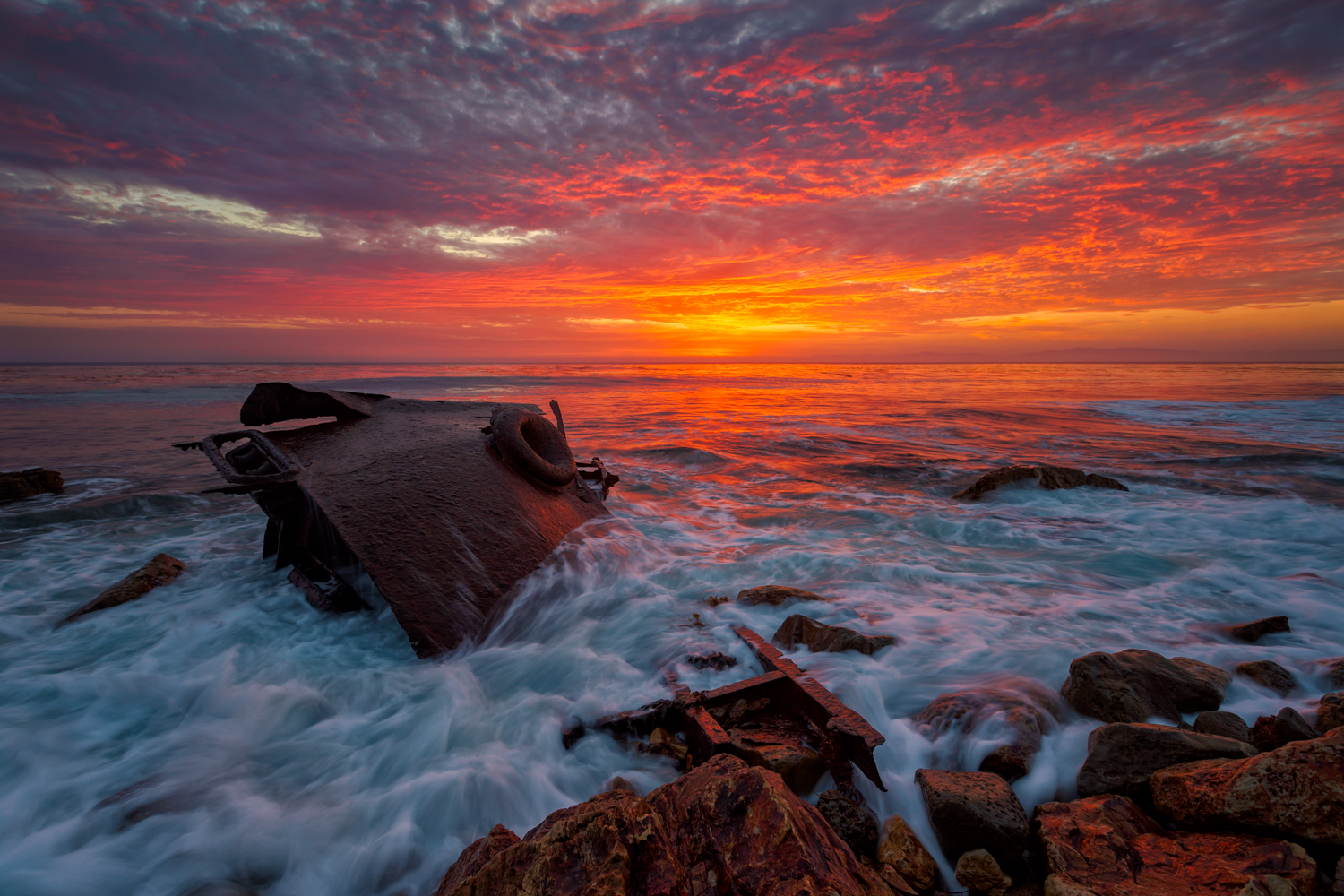
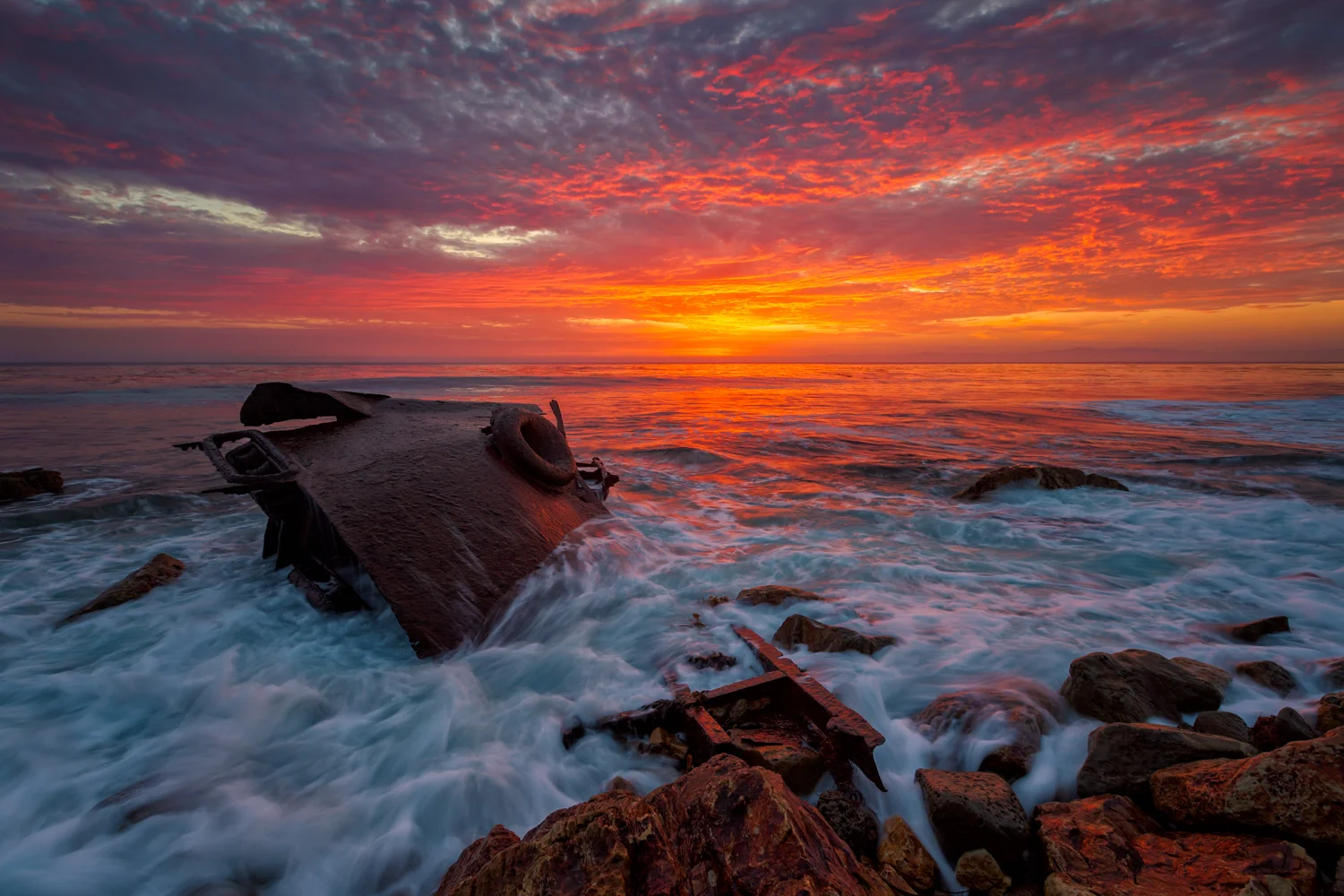 Image 2 of 3
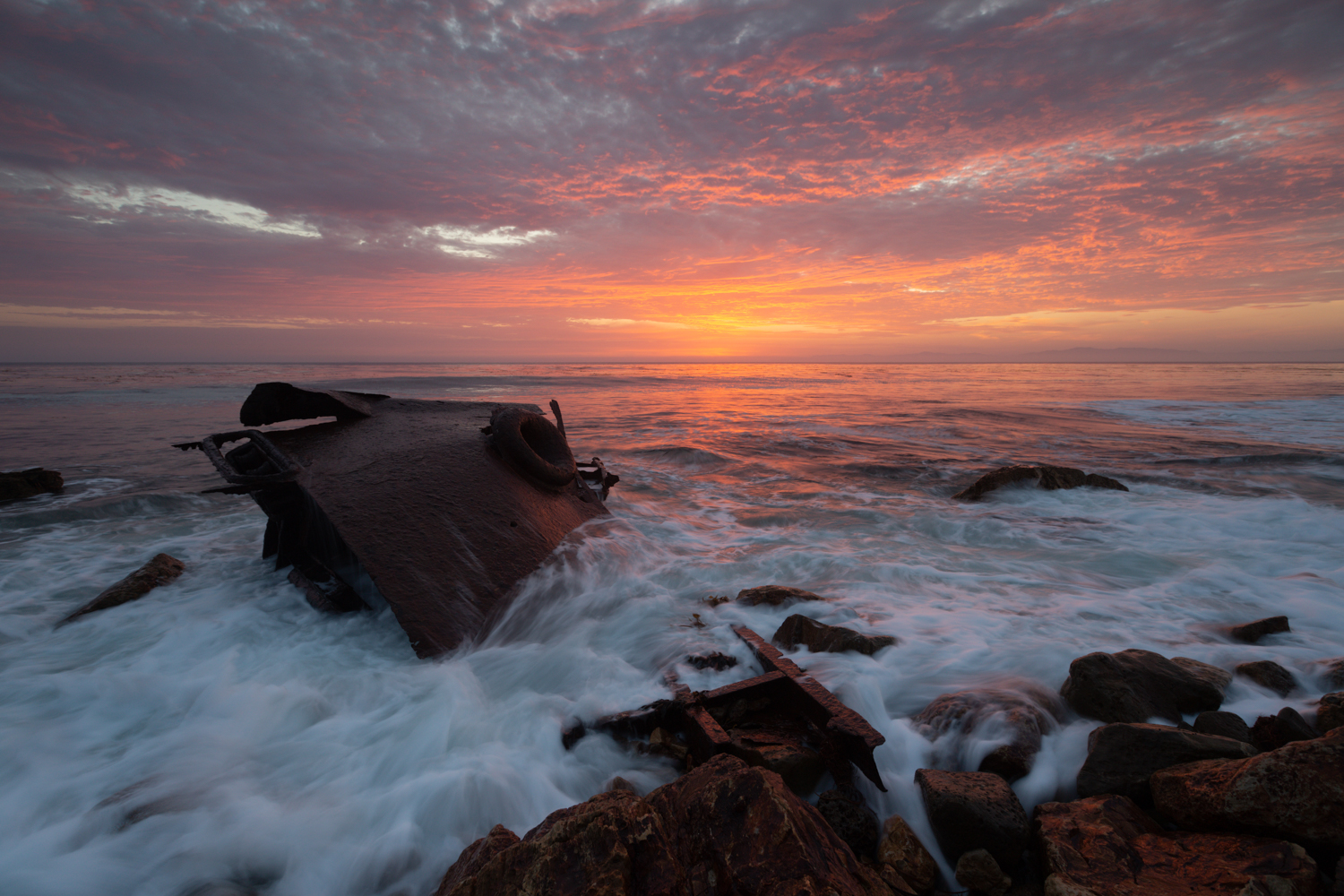
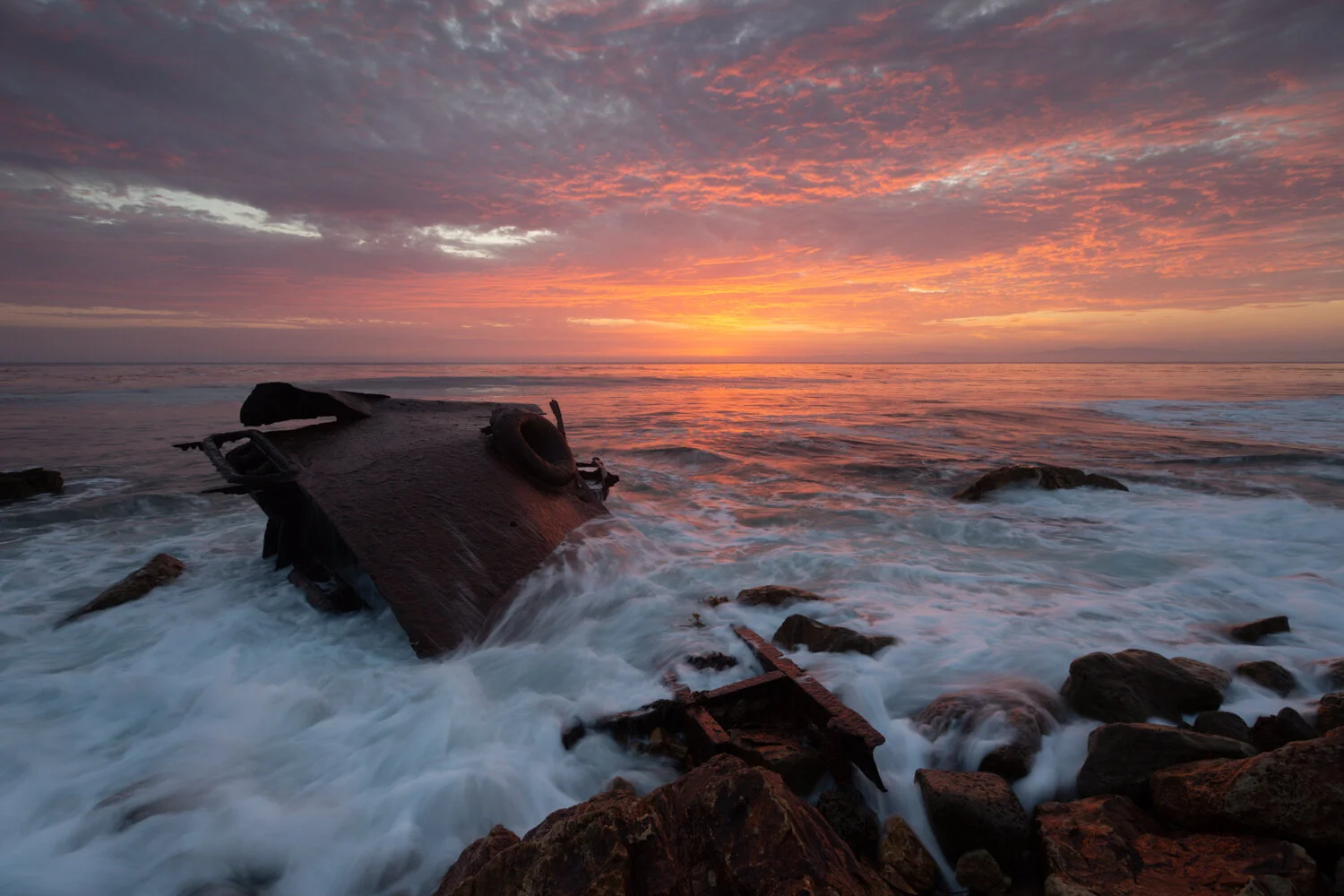 Image 3 of 3
Photoshop Sunset Workflow Tutorial
Master advanced sunset photo editing in this nearly 3-hour comprehensive video tutorial using both Adobe Photoshop and Lightroom. Designed for intermediate photographers, the tutorial guides you from RAW processing to professional-level finishing touches using powerful Photoshop techniques like luminosity masks, layer blending modes, and the Nik Collection.
Tutorial Overview
This complete workflow tutorial video covers the entire editing process using both Adobe Lightroom and Photoshop. You’ll learn how to sharpen, reduce noise, correct white balance, and apply advanced Photoshop techniques including luminosity masks with a free action, layer modes, blending, and the Nik Collection for stunning creative effects such as the Orton effect and precise local dodging and burning.
Who This Tutorial Is For
Photographers with RAW editing experience in Lightroom or Camera Raw
Users familiar with basic Photoshop features such as tools, layers, masks, and adjustment layers
Photographers ready to elevate their editing skills to a more advanced level
If you need foundational Photoshop instruction, consider a private editing session or the Lightroom-only version of this workflow of this image if you are comfortable in Lightroom.
”Hey Chris. I purchased your sunset workflow tutorial and I just wanted to say thank you. Awesome Video and for someone who pretty much knows nothing about photoshop and used lightroom exclusively, you made it pretty easy to follow. Had to pause and rewatch things to make sure I was doing it right, but like I said it was an awesome tutorial. Thanks again!” - Jason Williams - @jayrock269
What You’ll Learn
RAW file prep including sharpening and noise reduction
Color correction and white balance adjustments
Creating and using luminosity masks with a free Photoshop action
Using blend modes, blend-if sliders, and masking
Advanced toning using curves and coloring
Dodging and burning techniques
Using the Nik Collection plugins for finishing touches and effects like the Orton effect
Image cleanup with the clone tool
Exporting for web, social media, and print
How It Works
Access the private tutorial video via email after purchase
Requires a YouTube account and internet connection to stream the tutorial
The video is exclusive and cannot be downloaded to protect content
Why Choose This Tutorial?
Learn from a professional with years of experience in landscape and sunset photography
Gain creative control with expert Photoshop techniques
Receive practical guidance on efficient workflow and artistic vision development
What’s Not Included
Software licenses (Adobe Lightroom, Photoshop, and Nik Collection must be purchased separately)
One-on-one private coaching sessions (available separately)
Important Notes
The tutorial cannot be downloaded to protect content integrity
Nik Collection isn’t required but is shown in the tutorial because I sometimes use it in my editing. It’s included for transparency and to show my full workflow.
Get a Complete Solution
This tutorial requires specific field capture techniques to ensure you have the necessary files to complete the editing process fully. While the tutorial will provide great ideas for your next Sunset outing, students may benefit even more from a Sunset or Sunrise Workshop or other Private Workshop, where Chris will assist you in capturing all the essential shots. These workshops also include private post-processing instruction as part of the package.
Got Questions About This Workflow?
Drop your questions in the form below and I'll get right back to you! You can also check out the FAQ on my main editing page.
Want a personalized review instead? If you're looking for direct feedback on your own images or want to master these techniques on your own portfolio, let's skip the emails. Head over to my 1-on-1 Private Post-Processing Masterclass and let's work on your files together.