
Post-Processing Tutorials & Digital Workflows
Master Landscape Photography Editing & Astrophotography Editing
Unlock the full potential of your images and bring your creative vision to life with expert Adobe Lightroom and Photoshop training. Whether you are a beginner looking to grasp the basics of RAW optimization or an experienced photographer looking to refine an advanced digital workflow, these resources are designed to provide practical, repeatable techniques to elevate your imagery.
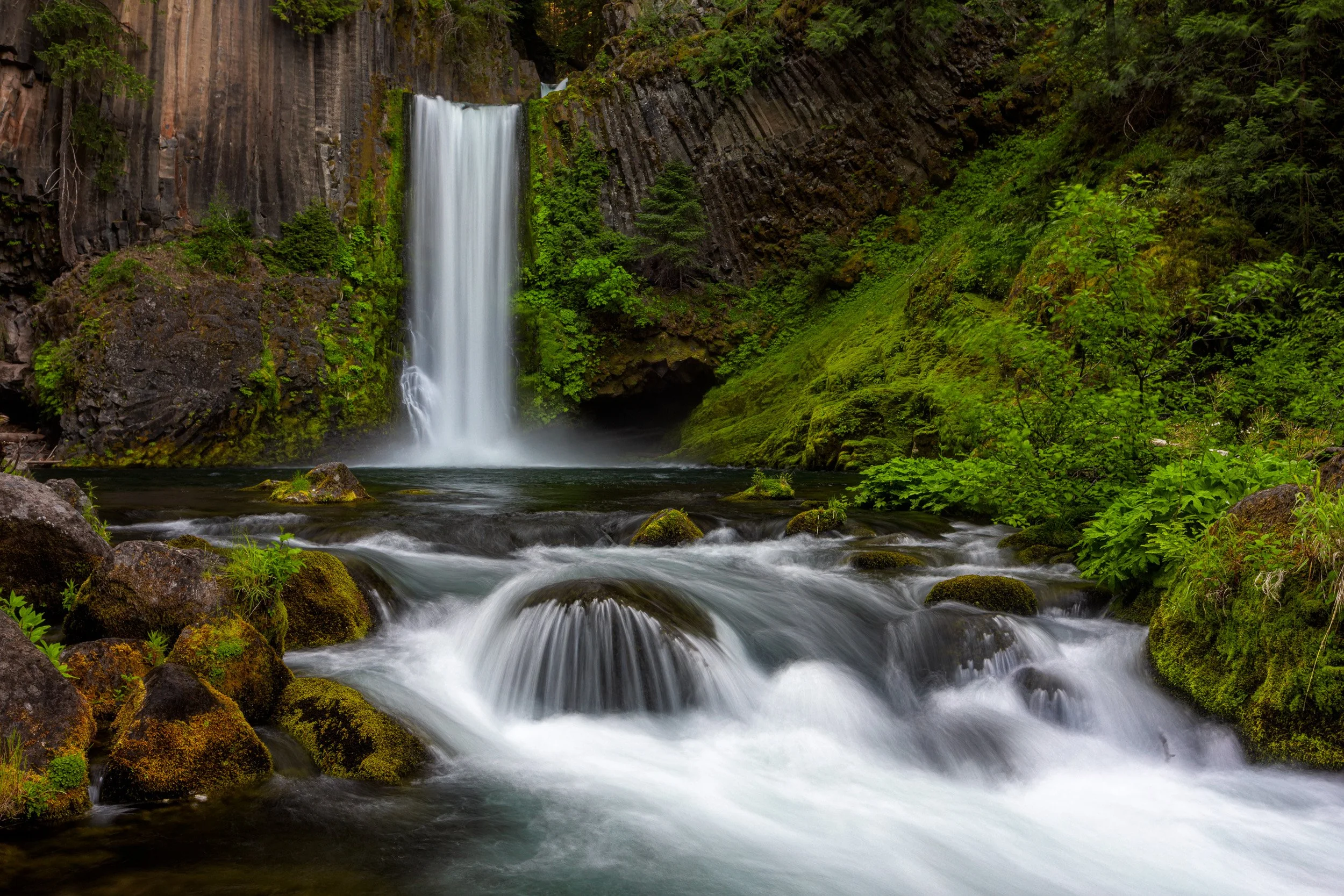
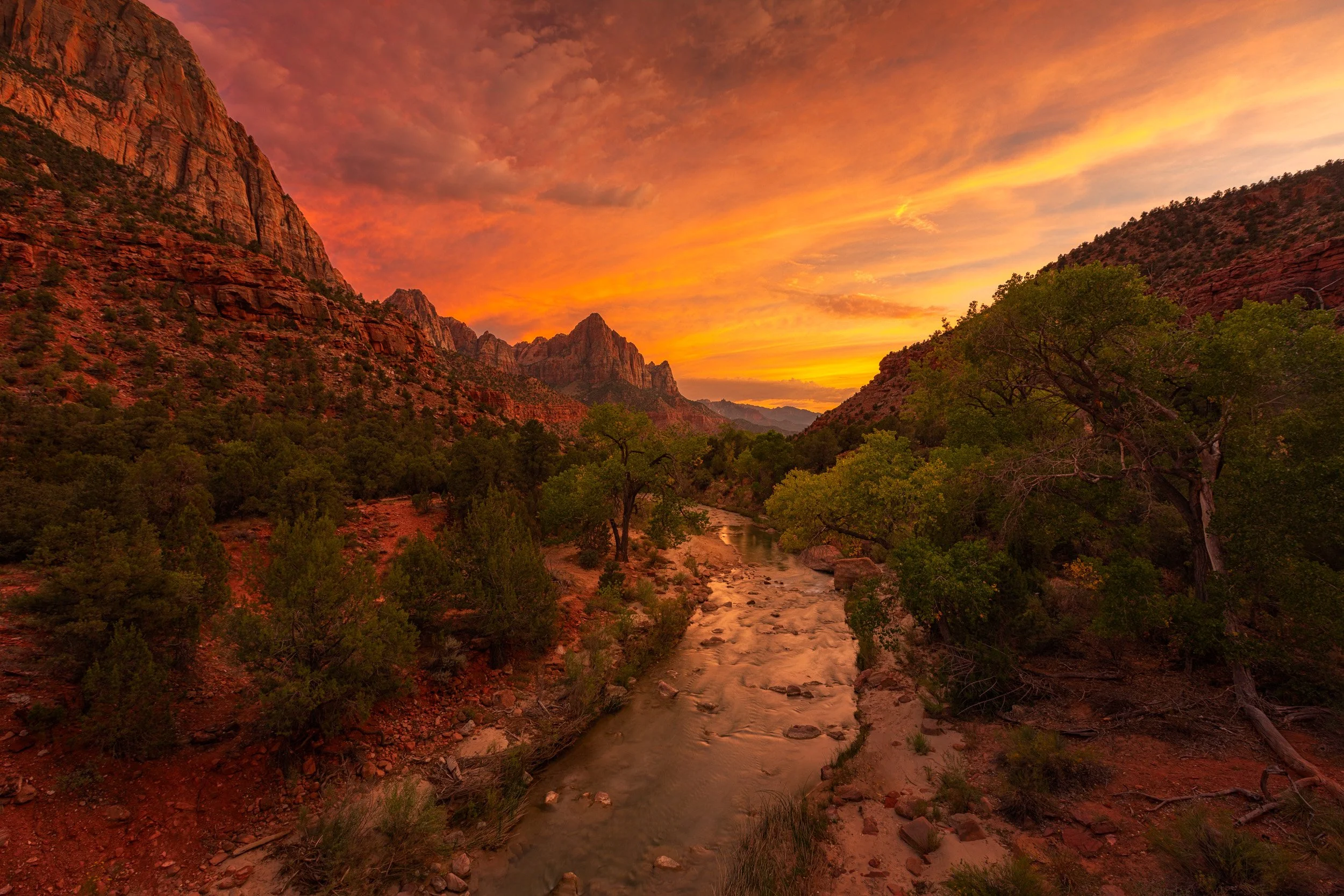
Advanced Techniques to Elevate Your Portfolio
Advanced Selections: Discover advanced techniques like luminosity masking, precise channel selections, and target-specific range masks to isolate and perfect local adjustments.
Complex Dynamic Range: Master seamless exposure blending using manual layers and brushes to balance tricky highlights and deep shadows natively.
Tack-Sharp Depth: Implement flawless focus stacking and image stacking methods to maximize sharp details across complex landscape scenes.
Creative Color Styling: Learn advanced color grading, mood creation, splitting tones, and creative effects to define a signature look for your work.
Efficiency & Speed: Organize your Lightroom catalog and establish a non-destructive Photoshop workflow that saves you hours behind the screen.
What’s Included
Step-by-step video tutorials focused on Adobe Lightroom and Photoshop essentials.
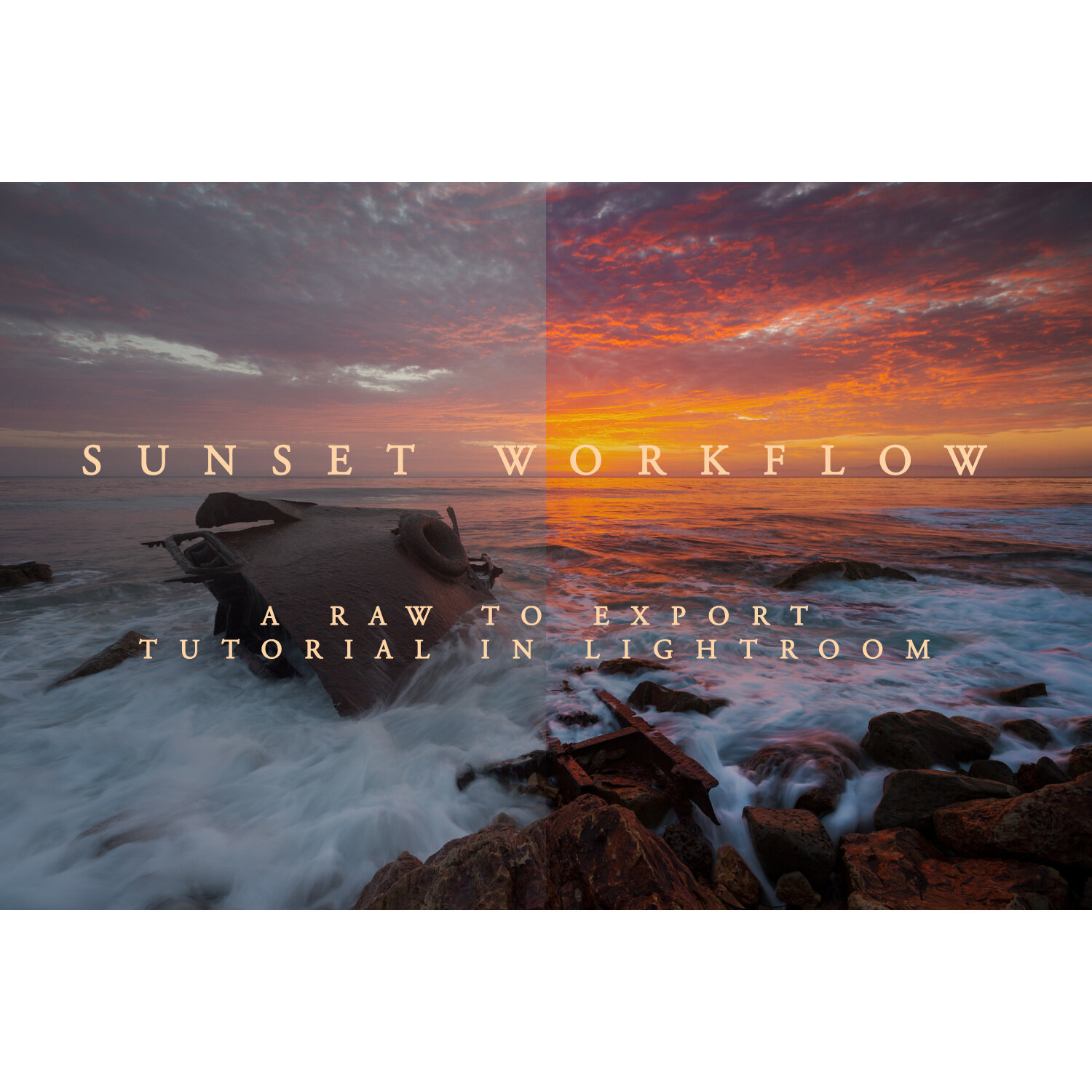
Specialized workflows for astrophotography editing, sunsets, and landscape photography editing.
Tutorials covering hallmark effects like the Orton effect, painting with light, and night sky enhancements.
Private editing workshops customized to your needs, including critique and workflow optimization.
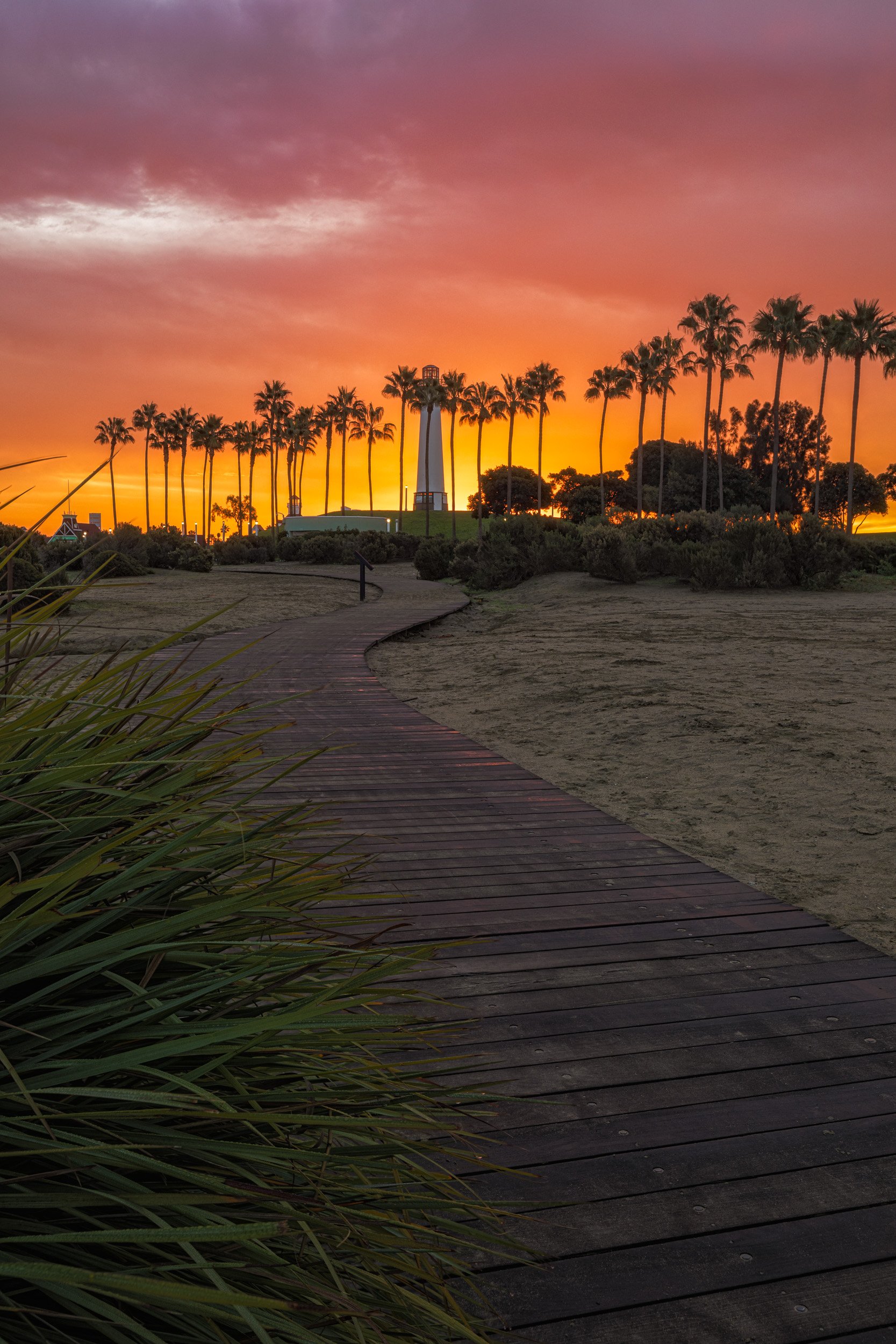
Choose Your Learning Path
On-Demand Tutorials: Perfect for self-paced learning; purchase and watch anytime.
Private Editing Sessions: Personalized video calls or in-person meetings for direct guidance and tailored instruction.
Mix and Match: Combine tutorial purchases with private sessions to solidify your skills.
Find Your Next Post-Processing Breakthrough
Browse the structured landscape and astrophotography editing tutorials below to instantly download a start-to-finish workflow, or bridge the gap entirely by scheduling a custom session.
For On-Demand Video Tutorials: Browse the library below, select your workflow tutorial, and click “Add to Cart” to complete your secure checkout. You will receive access details sent to your email shortly after purchase.
For Private Masterclass Sessions: Head over to the dedicated 1-on-1 Private Post-Processing Masterclass Page to check pricing, explore custom software topics, and submit your scheduling inquiry form.
If you have any questions or need assistance during purchase, please contact Chris directly, and he’ll be happy to help.
💡 Tips for a Smooth Purchase
Use the Express Checkout option (if available) for faster payment without needing to view the cart.
Make sure to check your email spam/junk folder if you don’t see purchase confirmation.
For gift purchases or special requests, contact Chris directly before or after ordering.
Crucial: At the time of purchase, please use the email address you sign in to YouTube with (usually a Gmail account), as all tutorials are accessed there for security and easy access.
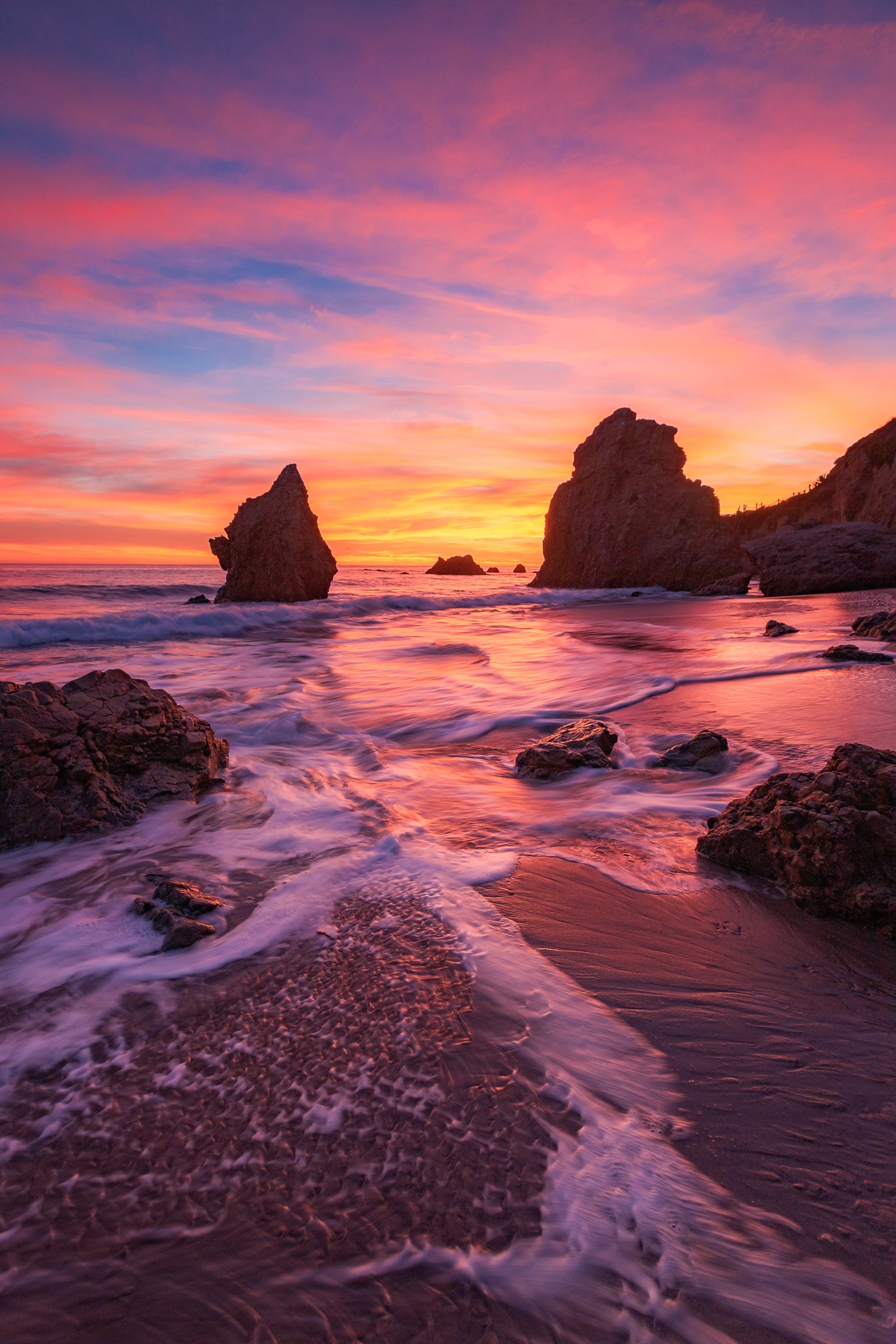
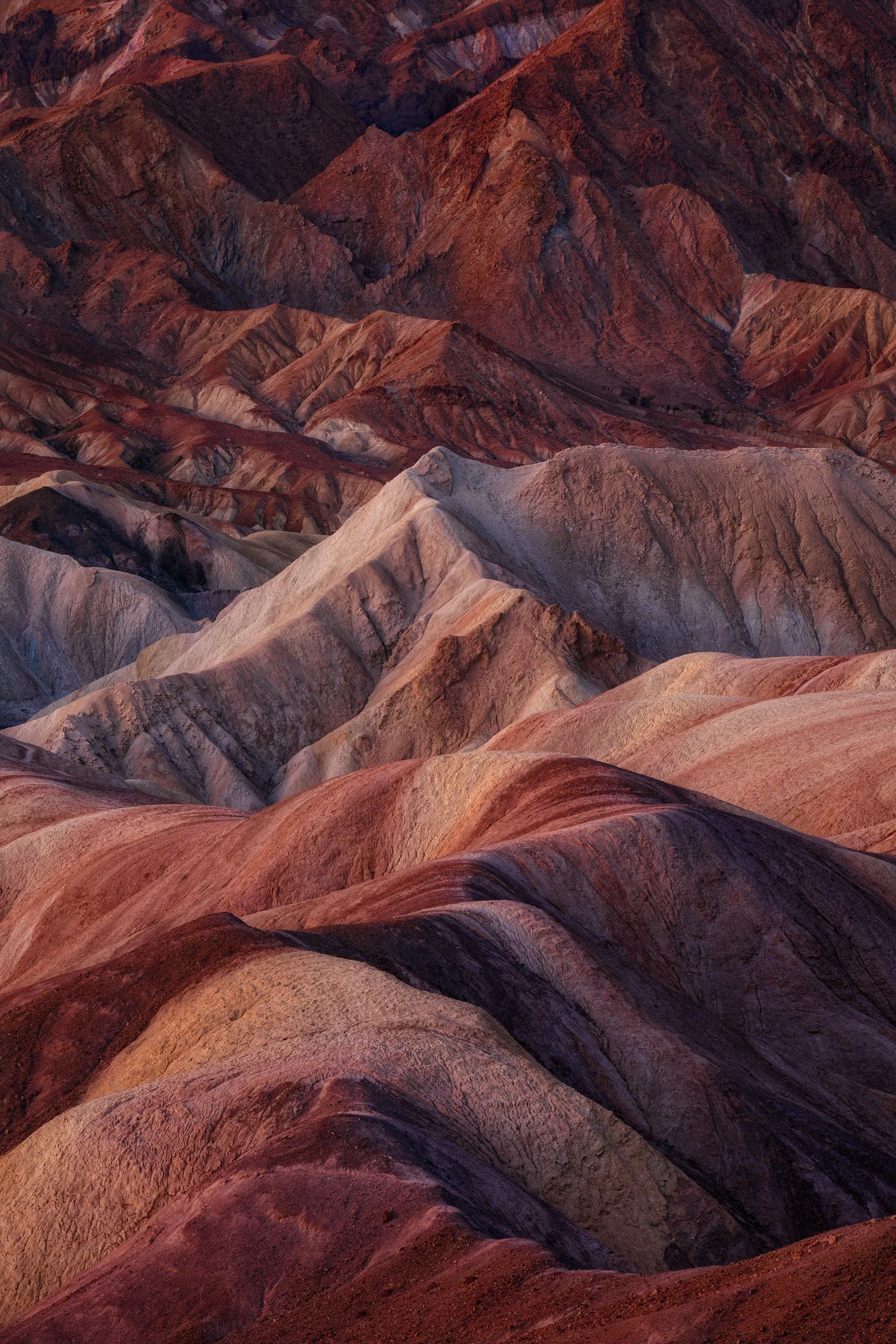
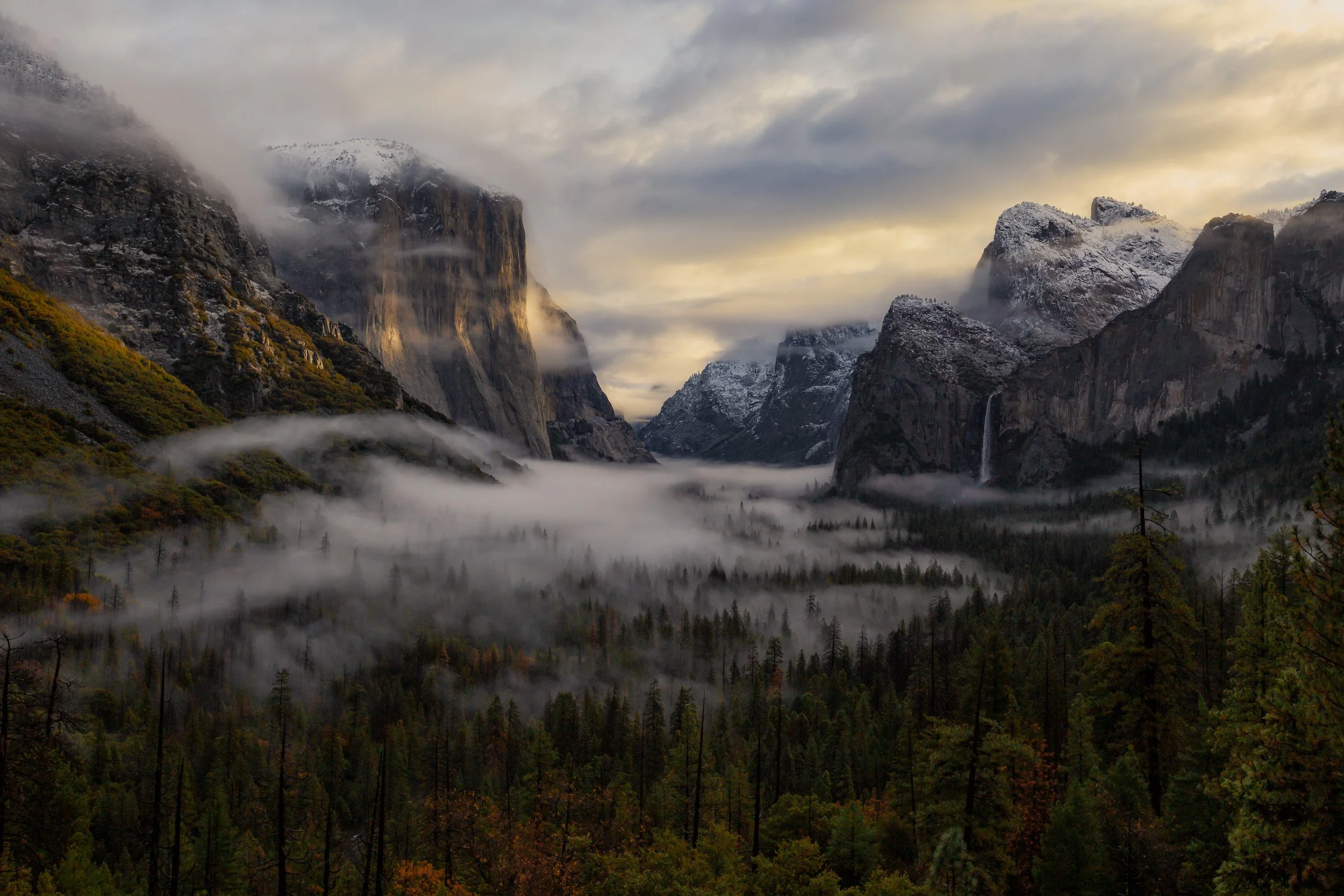
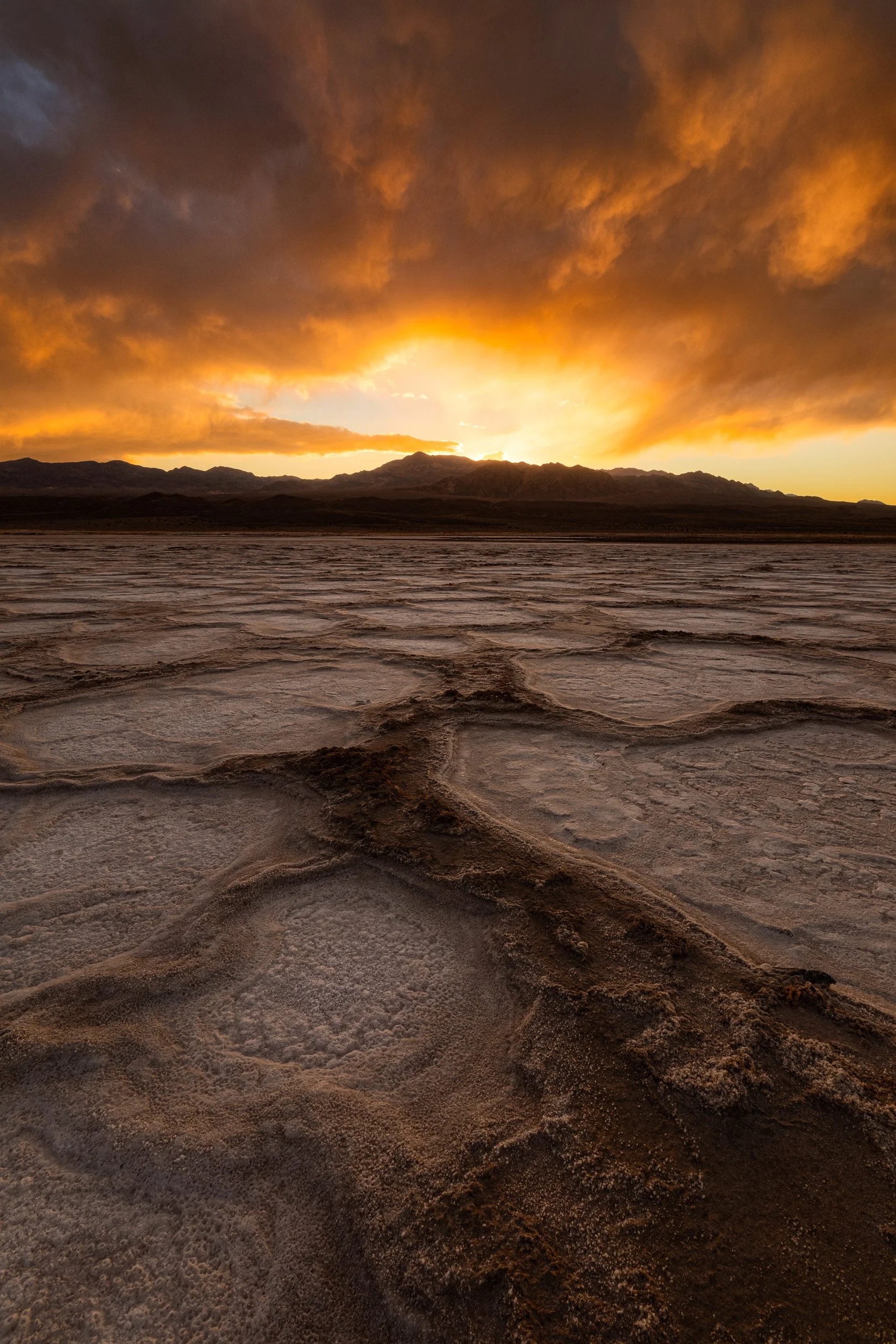
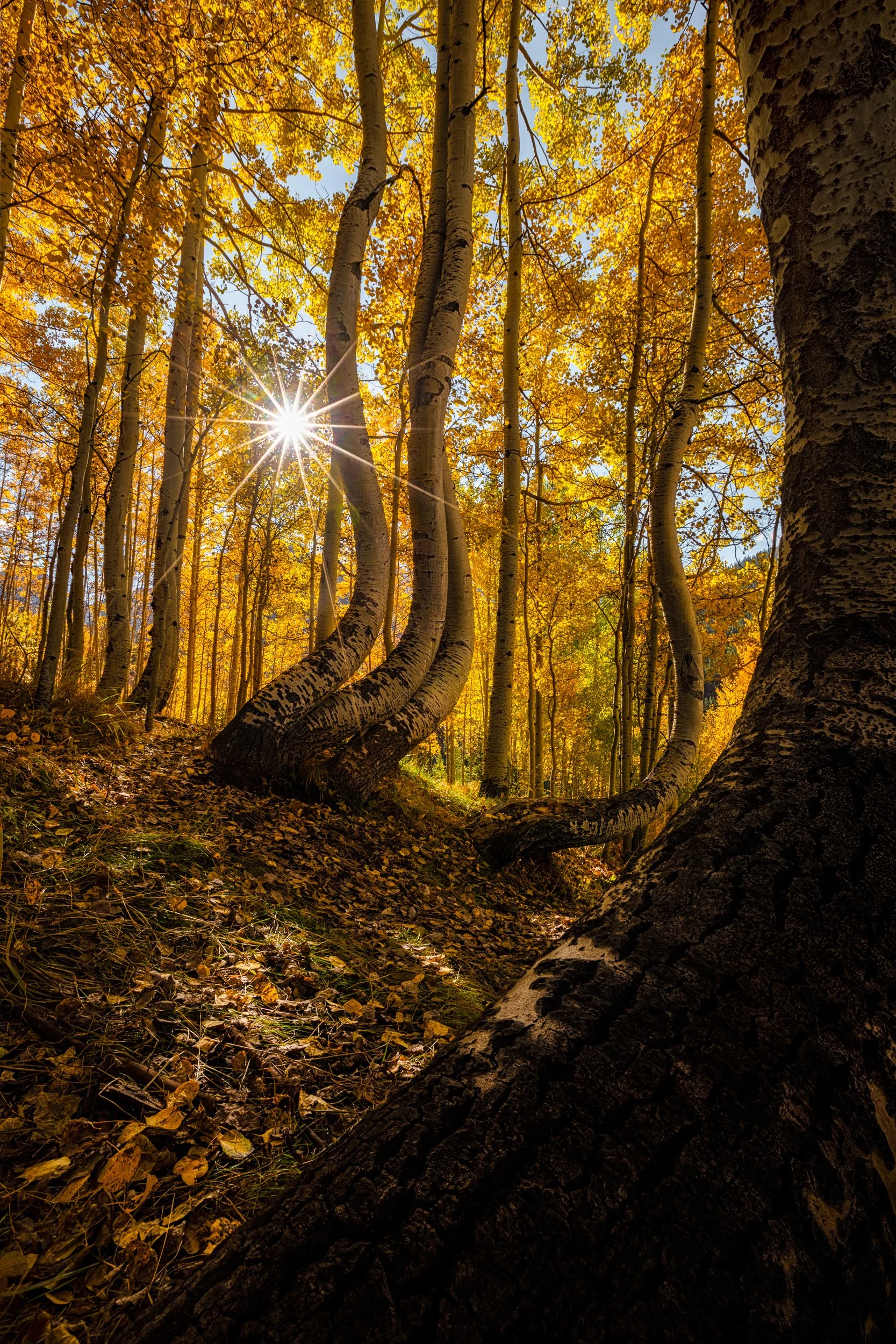
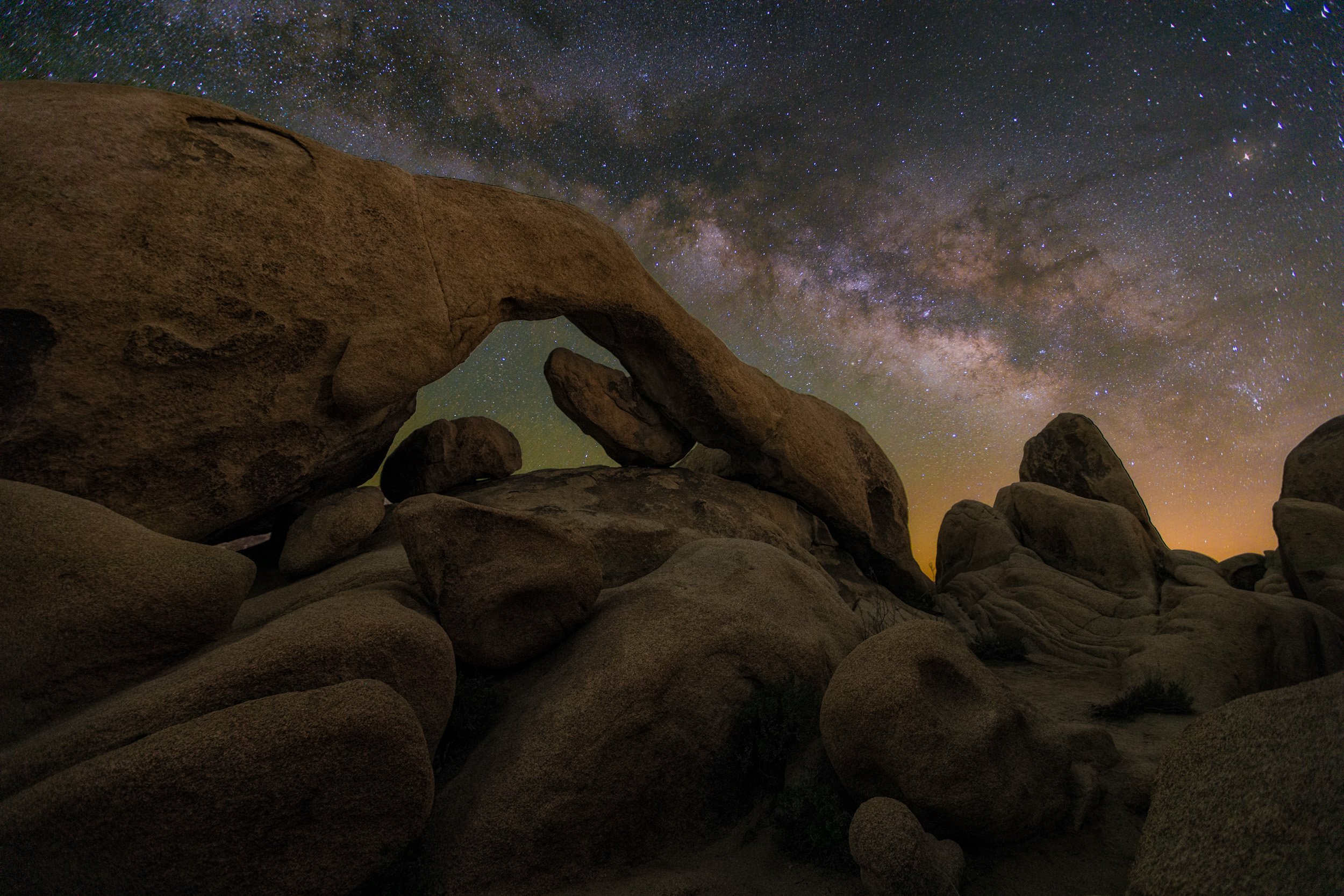
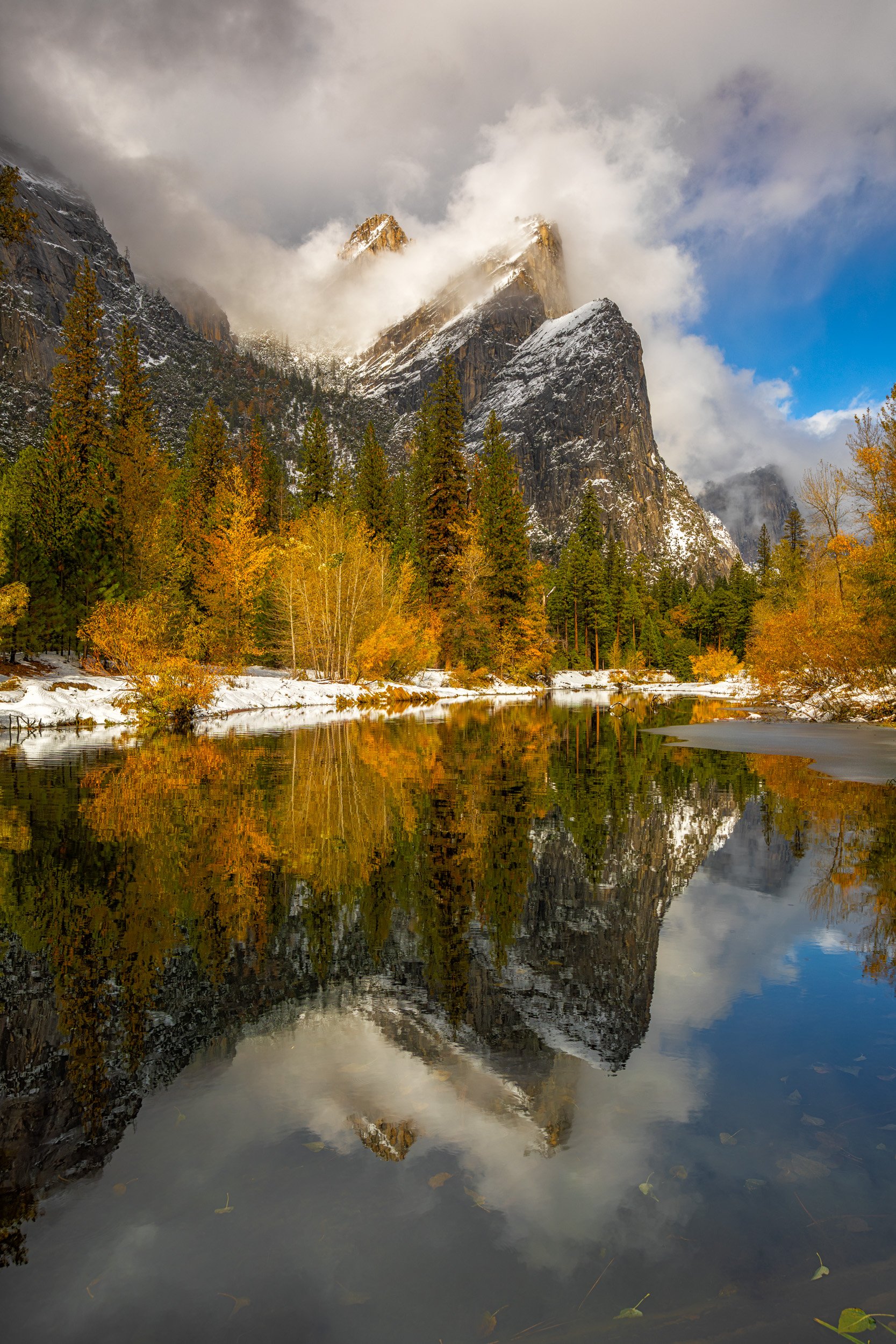
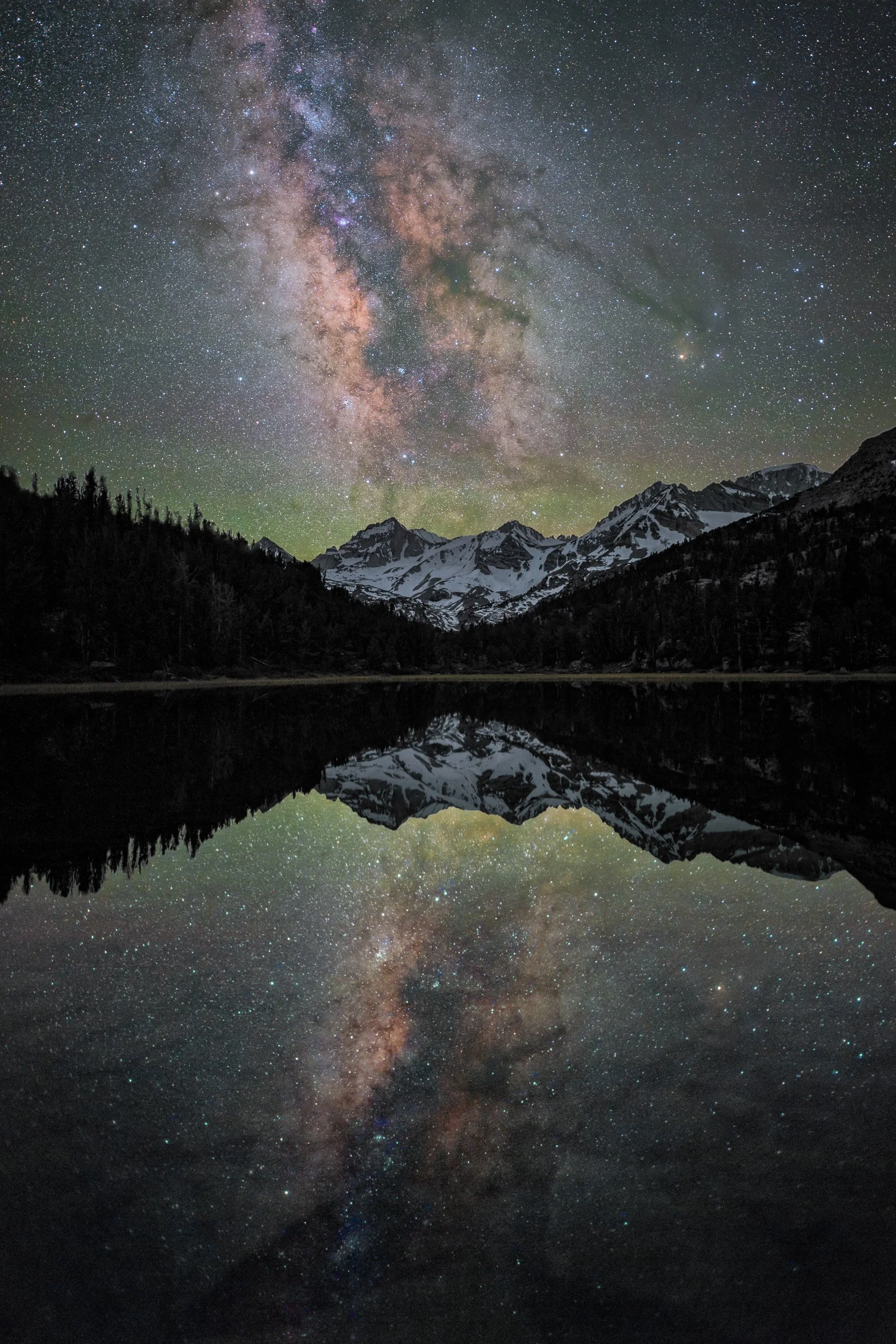
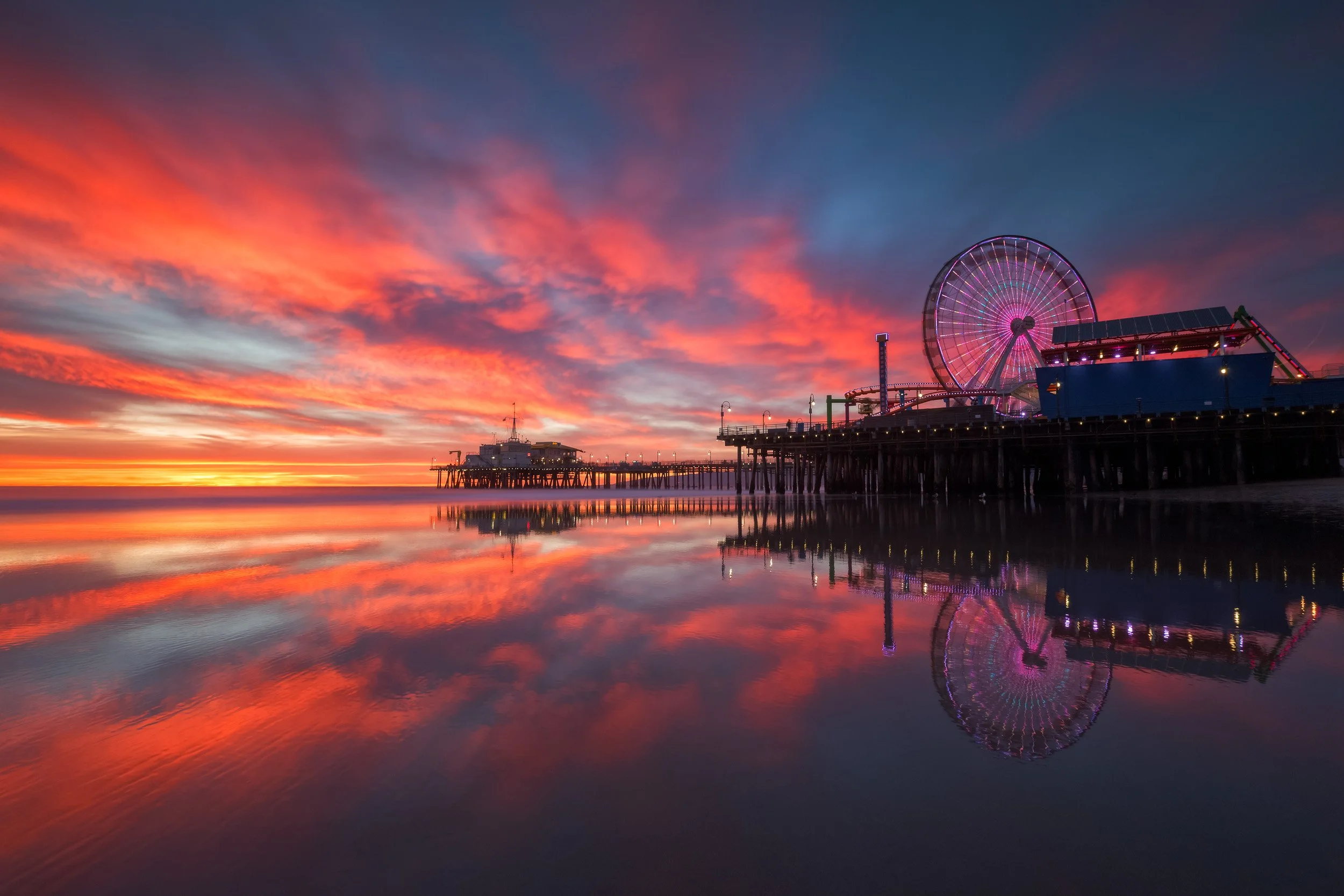
1-on-1 Private Post-Processing Masterclass

Enhance your photographic vision with expert Adobe Lightroom and Photoshop 1-on-1 coaching—available through private sessions tailored to your exact needs.
Looking for customized, deep-dive photography mentoring? Book a private live session via Google Meet. Every session is 100% tailored to your unique goals, covering advanced techniques like exposure blending, focus stacking, and fine-art color grading.
Rate: $125/hr
Bonus: Includes a full video recording of your session to keep forever.
Group Editing Sessions
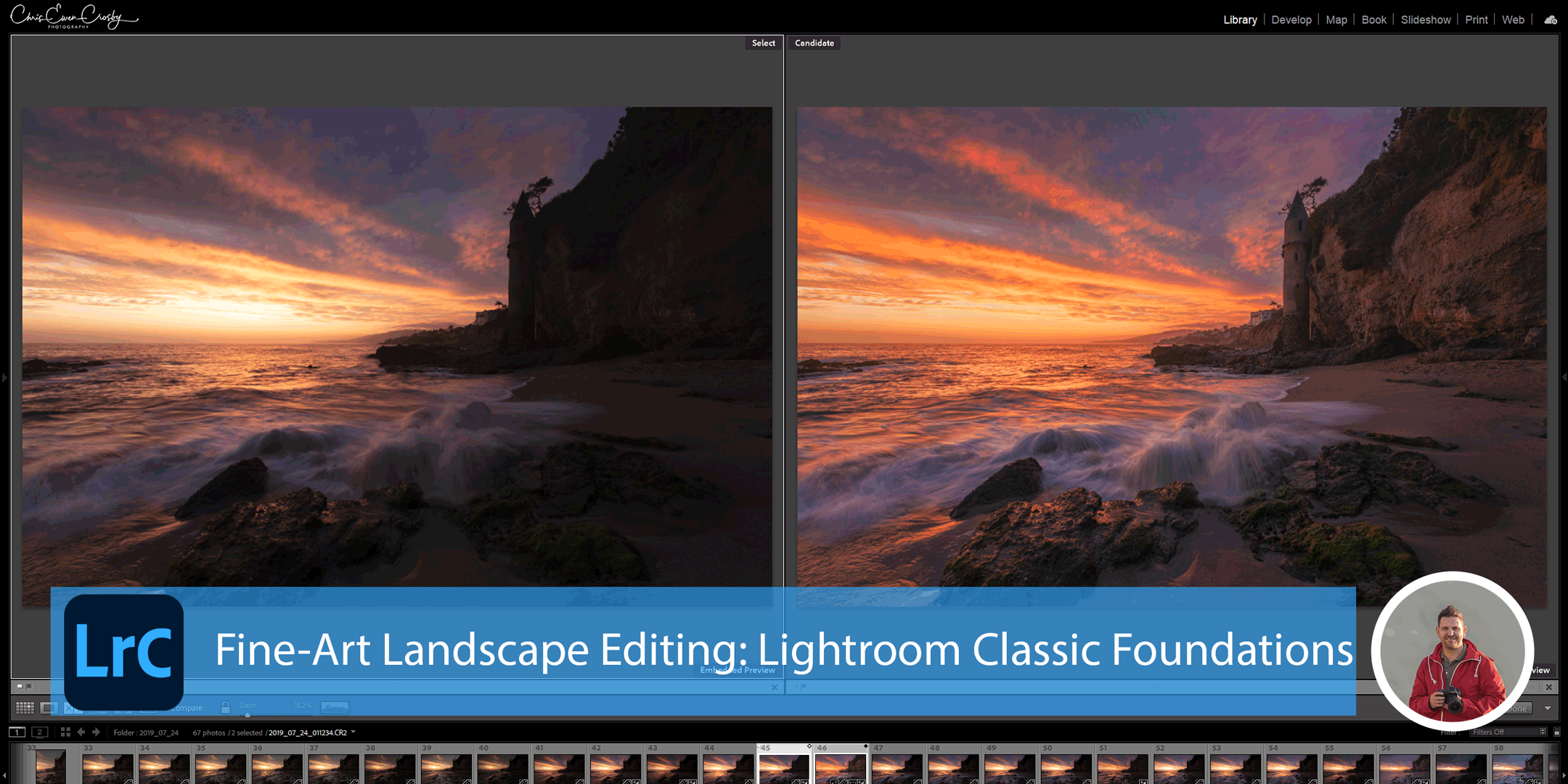
Fine-Art Landscape Editing: Lightroom Classic Foundations – Samy’s Camera Los Angeles
October 17th, 2026 From 1:30pm - 5:30pm | Strictly Limited to 10 Photographers
Many photographers know how to capture a clean exposure in the field but struggle to translate that RAW file into an impactful, gallery-ready fine-art landscape. This focused 4-hour intensive goes far beyond basic slider overviews to teach you a professional, step-by-step editing workflow designed to maximize Adobe Lightroom Classic to its absolute mathematical limits.
Discover how to master localized light shaping, precise color separation, and advanced selection techniques. You will learn how to read your histogram for hidden dynamic range, control high-contrast scenes, and create incredible depth and dimension that guides the viewer’s eye through the frame, all while keeping your images looking clean, polished, and natural.
*Note: This class is organized and facilitated by Samy’s Camera
On-Demand Landscape & Astro Editing Tutorials
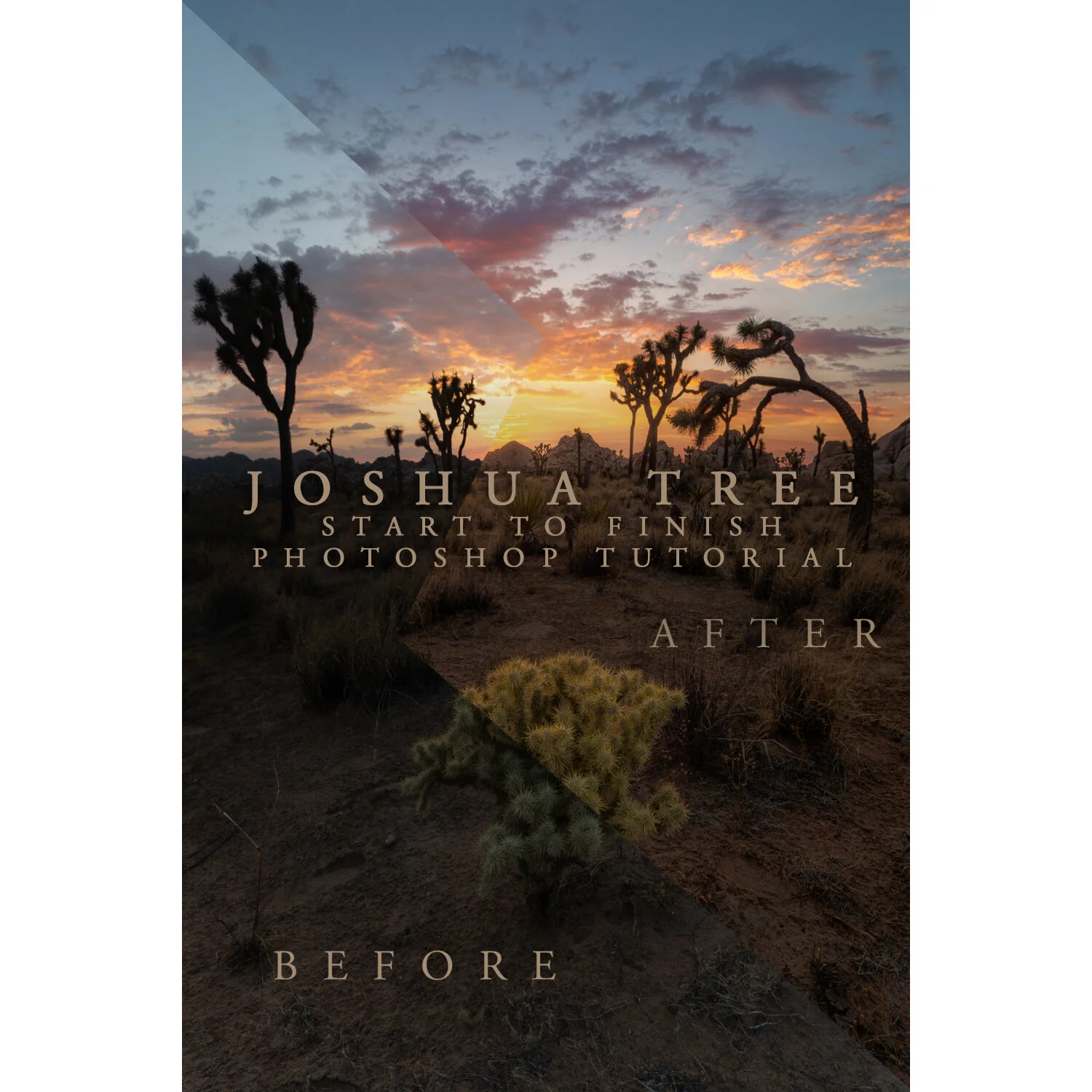
Master advanced post-processing workflows at your own pace with start-to-finish video guides.
Elevate your digital artistry with expert Adobe Lightroom and Photoshop training—available to download instantly for lifetime, non-destructive learning.



Editing Tutorial & Private Editing Session FAQs
-
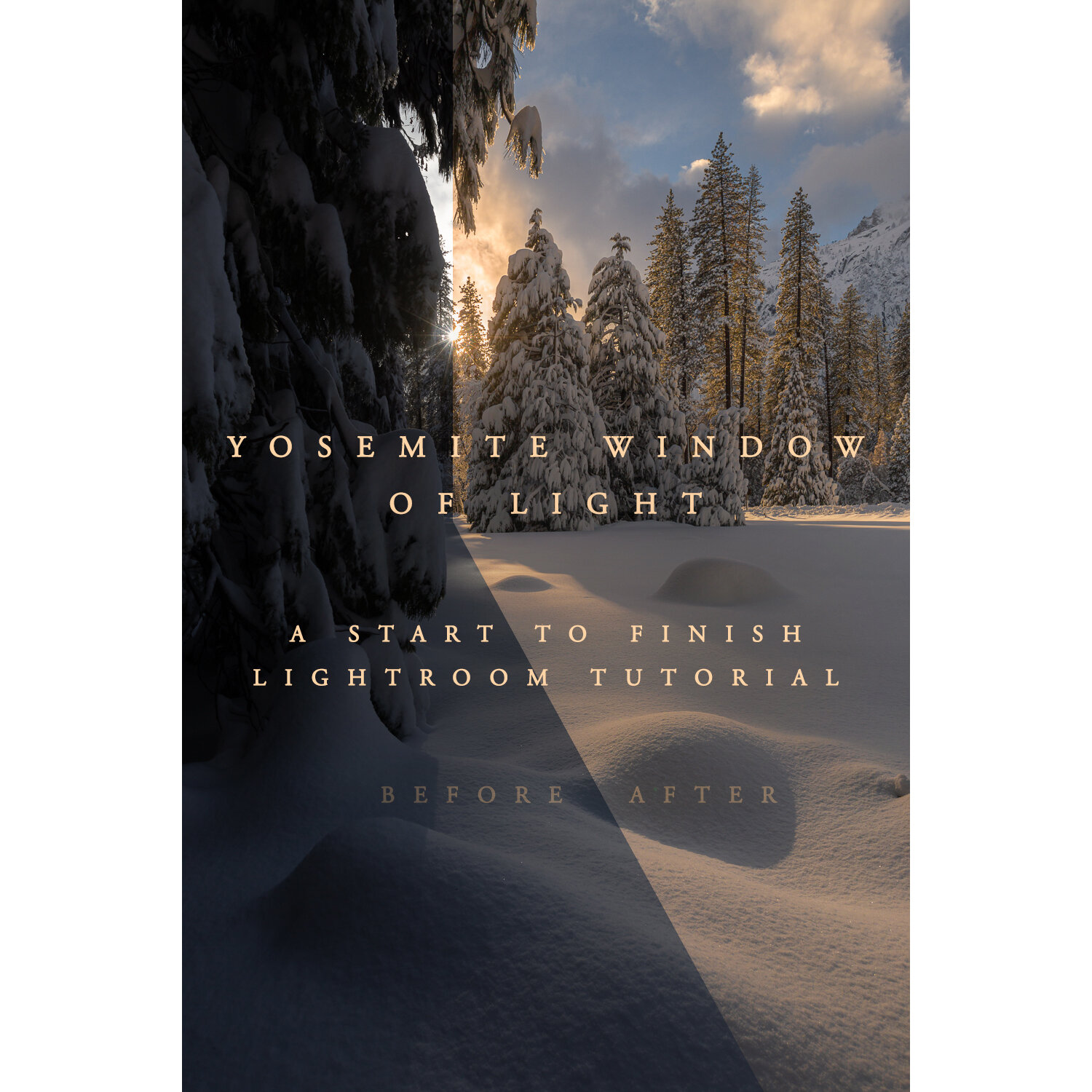
Chris’s tutorials primarily cover Adobe Lightroom and Adobe Photoshop, providing step-by-step guidance tailored to landscape, astrophotography, and sunset/sunrise imagery.
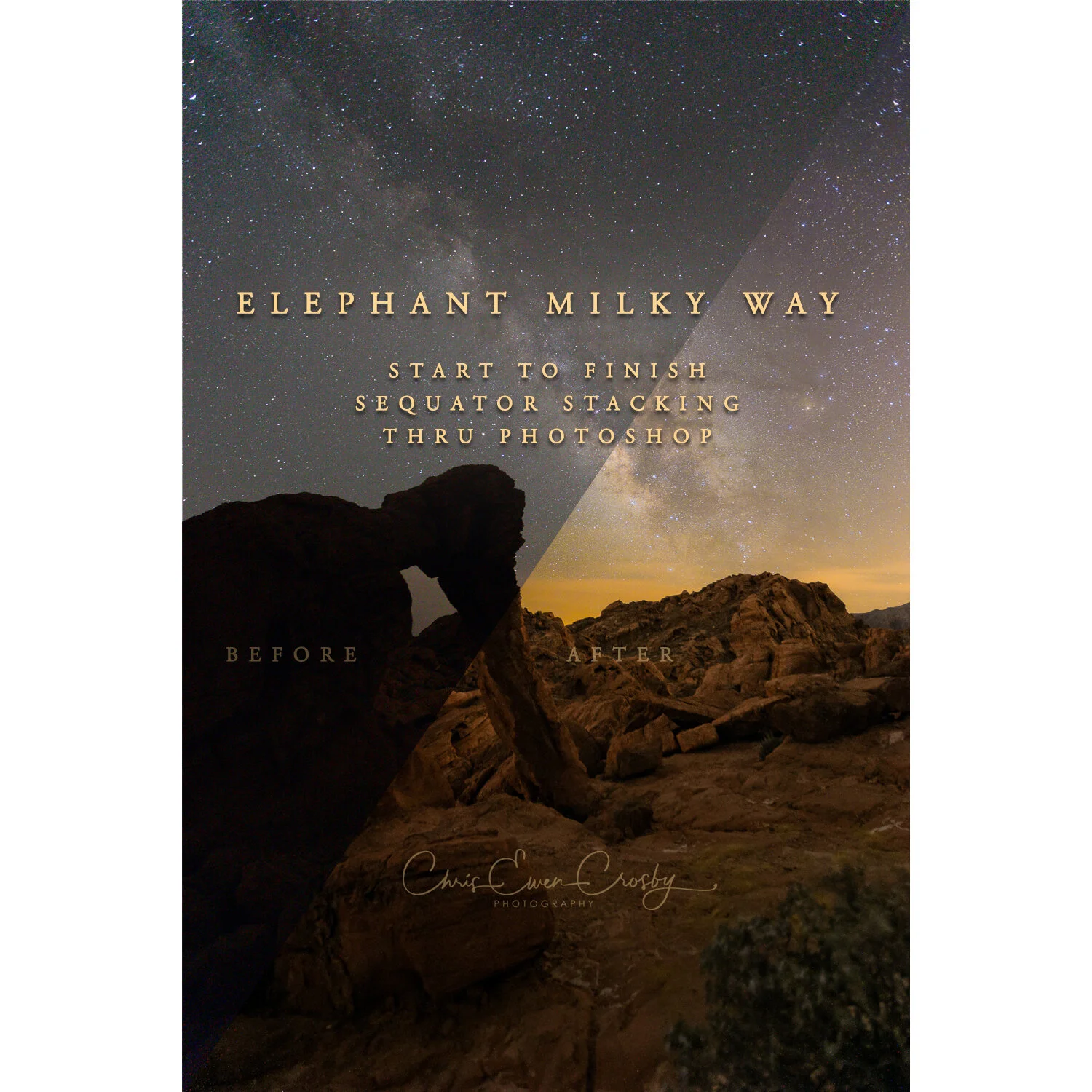
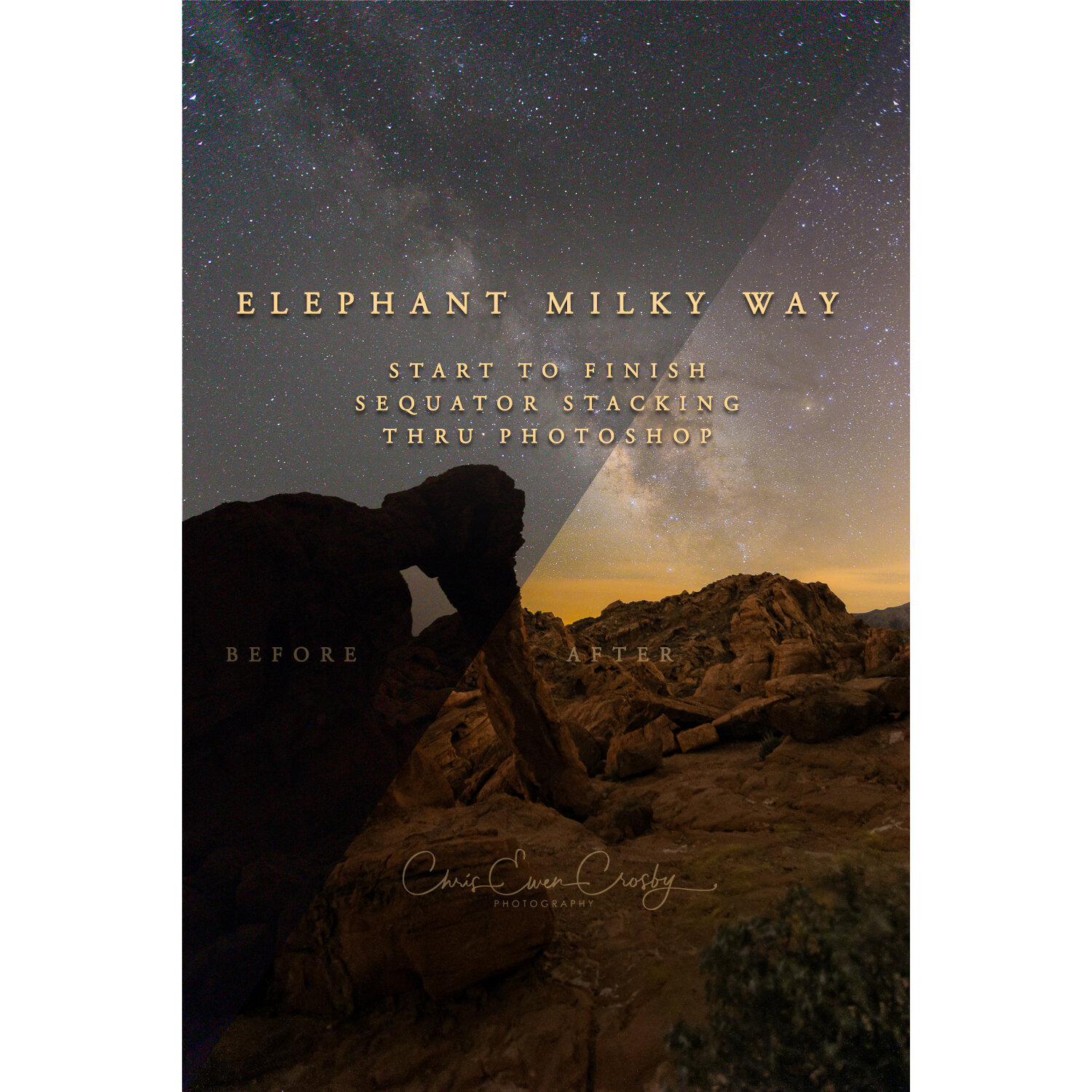
Milky Way captures feature the use of Sequator for image stacking, but links to how to use Starry Landscape Stacker are provided if you are on MAC. -
Yes! Whether you’re new to photo editing or looking to refine advanced skills, our tutorials cater to all levels with clear instructions and practical tips. Review each tutorial to see what fits your skill level or application proficiency and you can always reach out to Chris for advice.
-
Tutorials are accessible via YouTube through a private link sent to the email address you provide at purchase, usually a Gmail account. You’ll be able to watch them anytime at your convenience. Private Videos are not downloadable and help to protect your purchase and my videos from being shared for free.
-
Absolutely! Private editing sessions offer personalized, one-on-one coaching via Google Meet, completely tailored to your specific goals and images. You can view full details and submit an inquiry through our dedicated Private Masterclass Page.
-
You should have a licensed copy of Adobe Lightroom and/or Photoshop installed on your computer. A computer capable of running these programs smoothly is recommended. You can consult the adobe website to see each applications recommendation for compatibility.
-
Tutorials are streamed online via YouTube. This method ensures up-to-date content and easy access across devices without large file downloads. Streamed content allows me to protect your investment and ensures no one is getting premium tutorials for free.
-
Yes! Tutorials and private sessions make great gifts. Contact Chris to arrange gift purchases and delivery options.
-
If you experience any issues accessing tutorials or need help, please contact Chris directly via email or phone for prompt assistance.
-
No prior experience is necessary, but it might be helpful to have some experience with the apps interfaces. Tutorials are designed to help beginners build a foundation, while also offering advanced techniques for more experienced users. Even in advanced tutorials, basic skills are reviewed to build solid editing fundamentals.
-
Yes, tutorials hosted on YouTube can be viewed on any device with internet access, including tablets and smartphones, for convenient learning on the go. Chris recommends viewing the video on a 2nd monitor for best viewing, a tablet would be next best and a phone would be a small viewing screen for some parts of the tutorial. When necessary you can pinch zoom on your phone to get a closer look.
-
Access to tutorials is typically unlimited, so you can revisit the content anytime to reinforce your skills or review techniques.
Private Editing sessions include a video you can download anytime within 30 days. Students must save the video to their own device for safe keeping.
-
While tutorials focus on Adobe products, many principles and concepts apply broadly. If you use other software, you may need to adapt tool-specific steps. Photoshop tutorials will require another application that provides similar layer functionality. Ultimately, you might look for another provider of tutorials that fit the application you are using for precise learning using that application’s tools.
-
For virtual sessions, a reliable internet connection, a webcam, and a microphone are recommended to ensure smooth communication and screen sharing. For those that are in the Los Angeles area, a in person session can be arranged if a virtual session is not possible. Extra fees may apply and you should reach out to Chris before your purchase to confirm availability.
-
Yes, private sessions can include personalized critique and advice on your images to help you improve your editing workflow and creative decisions. Each session is tailored to your needs and wishes. Some sessions may be completely instructional due to your skill level. Chris always welcomes students to share their creations after the conclusion of the session, but portfolio reviews may require extending the session or a separate session.
-
It helps to have your images organized, selected and questions or goals ready. Sharing your editing goals beforehand allows for a focused and productive session. Chris will always communicate with you prior to the session.
-
Due to the digital nature of instant-access video tutorials, all tutorial sales are final. For private masterclass sessions, fees are non-refundable but can be fully transferred to a future date if rescheduled at least 48 hours in advance.
-
Tutorial videos last 1 to 3 hours, depending on the topic or applications used. Lightroom tutorials are typically shorter than photoshop and milky way tutorials. Finishing the work will take more time as you practice and review the skills taught in each tutorial. After some practice of the skills it will take considerably less time to complete your workflow.
-
Yes! Most, if not all, of my editing techniques are non-destructive. If something destructive comes up during a tutorial Chris will let you know.
-
Beginners often make many mistakes like wrong white balance, tonal errors, overusing or misusing clarity tools, too much or too little saturation, sharpening errors, not using adjustment tools enough, lacking an editing plan, and poor workflow order. Usually, beginners either edit too little or too much, leading to results that don’t match their vision. Many mistakes often come from errors while shooting. My private workshops to make editing easier and better.
-
Chris suggests having the latest Adobe software installed, even though not all the newest features are used. The current tutorial selection don’t include any of Photoshop’s AI tools.
-
There are no bundles right now, but they might come later. Occasionally, tutorials or sessions go on sale. Join my mailing list to be the first to hear about discounts. If money is a concern you can always reach out and I may be able to help.
-
Chris is able to provide limited assistance with technical issues related to videos or software that come with your purchase. For more extensive help sessions or in-depth troubleshooting, additional compensation may be required to fairly account for the time spent addressing your specific concerns.