
Private Post-Processing & Digital Workflow Masterclass — Virtual Screen-Share

Great landscape photography only begins in the camera. To truly bridge the gap between a raw exposure and a professional, gallery-quality masterwork, you need a definitive, repeatable post-processing workflow. Working one-on-one with Chris via remote, high-definition screen-share, this private digital masterclass is tailored precisely to your current editing experience, artistic style, and software preferences. No generalized tutorials—just highly targeted, step-by-step guidance utilizing your exact RAW files to streamline your catalog and unlock the hidden depth in your imagery.
Select Your Custom Learning Block:
The 1-Hour Focus Session ($125): A targeted, high-impact lesson perfect for diagnosing a specific technical bottleneck, optimizing your custom workspace panels, or troubleshooting a single complex image file.
The Multi-Hour Deep Dive (Recommended): Editing is a muscle that requires reinforcement. Booking consecutive hours allows us to build a comprehensive, personalized curriculum, practice intricate layering workflows, and lock in consistent results across your entire portfolio. (Inquire about multi-session package bundles).
The Alumni Benefit: Returning clients are the heartbeat of my workshops. If you have taken a session or workshop with me before, you receive a 10% Alumni Discount on all private bookings. Just mention you're an alumnus when filling out the scheduling form, and I will manually apply the discount to your custom invoice.
The Editing Curriculum & Core Modules
Foundational Optimization & Library Management
Stripping away the confusion of digital asset management and building a clean processing foundation:
Catalog Architecture & Organization: Importing, culling, keywording, and structuring your image library so you can find any file instantly.
RAW File Calibration: Mastering the core panel mechanics—maximizing dynamic range, optimizing exposure, and balancing shadows and highlights.
Global vs. Localized Adjustments: Utilizing linear gradients, radial filters, and advanced AI-powered masking tools to sculpt light and guide the viewer's eye.
Color Theory & Balance: Correcting white balance and utilizing target adjustment tools for natural, high-impact color separation.
Advanced Creative Compositing & Mastering Photoshop
For experienced shooters looking to execute complex fine-art imagery and seamless digital blends:
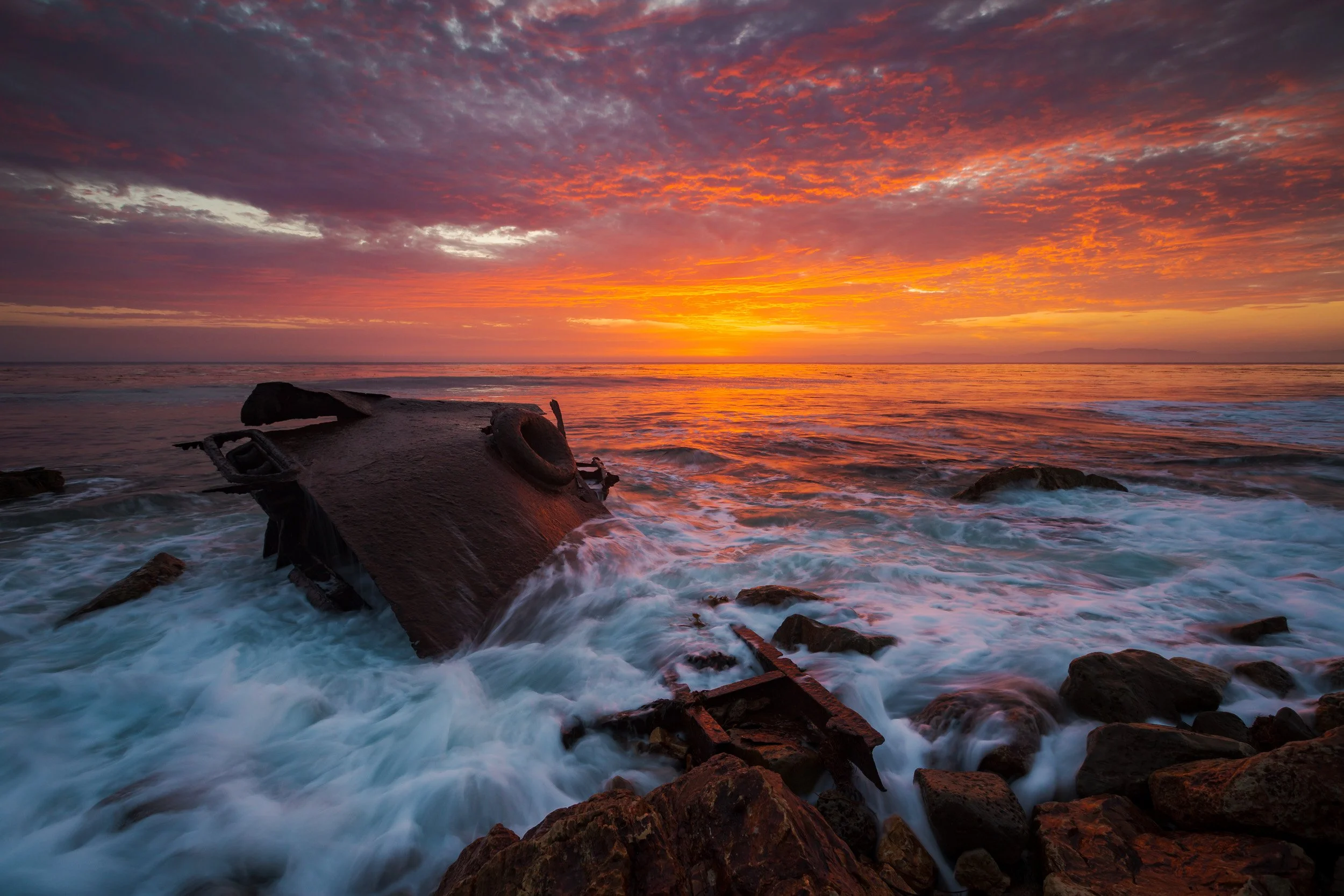
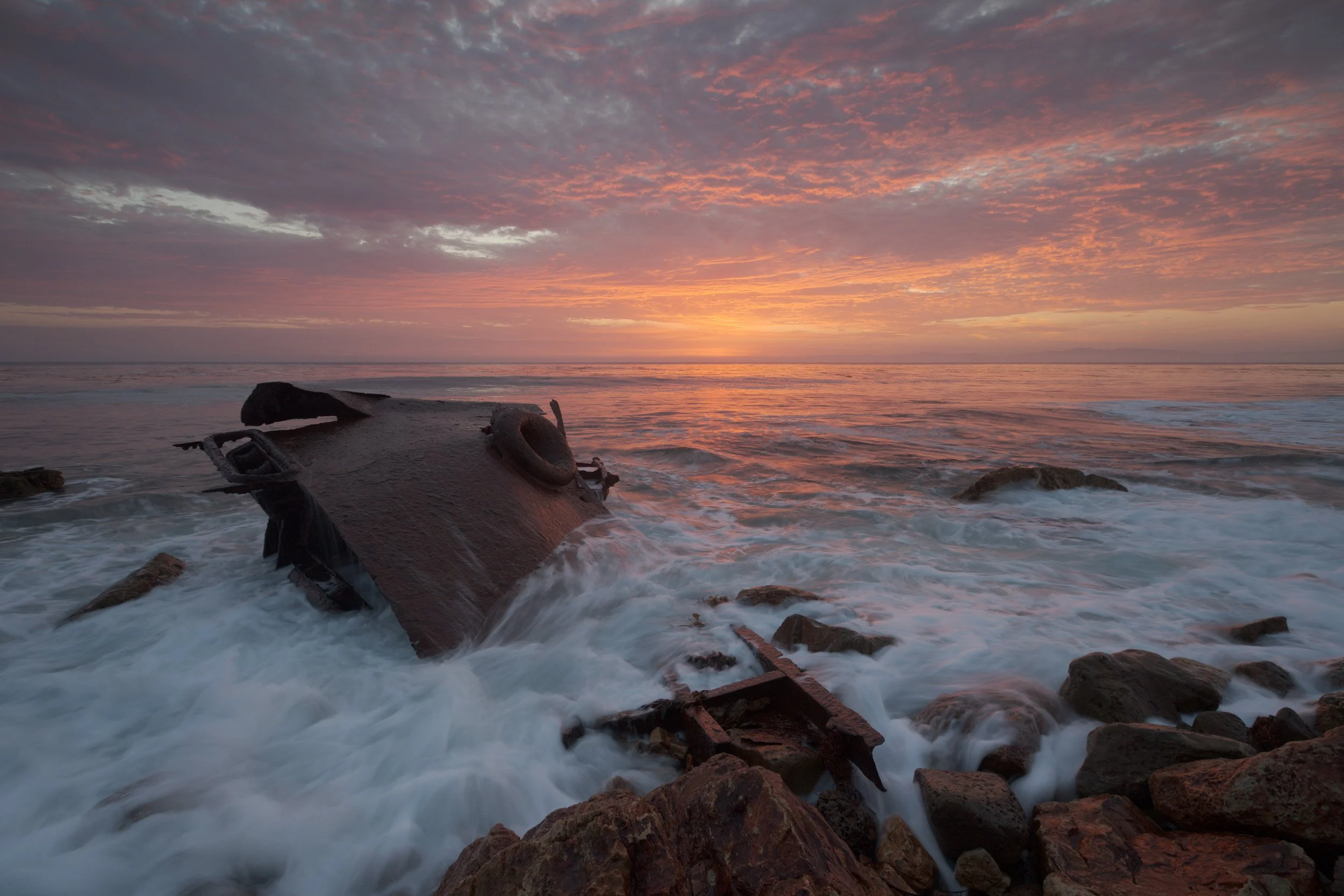
Clean Multi-Exposure Blending (HDR): Hand-blending high-contrast coastal or desert scenes seamlessly without looking artificial.
Precision Focus Stacking: Aligning and masking multiple focal intervals for tack-sharp depth from foreground textures to the horizon.
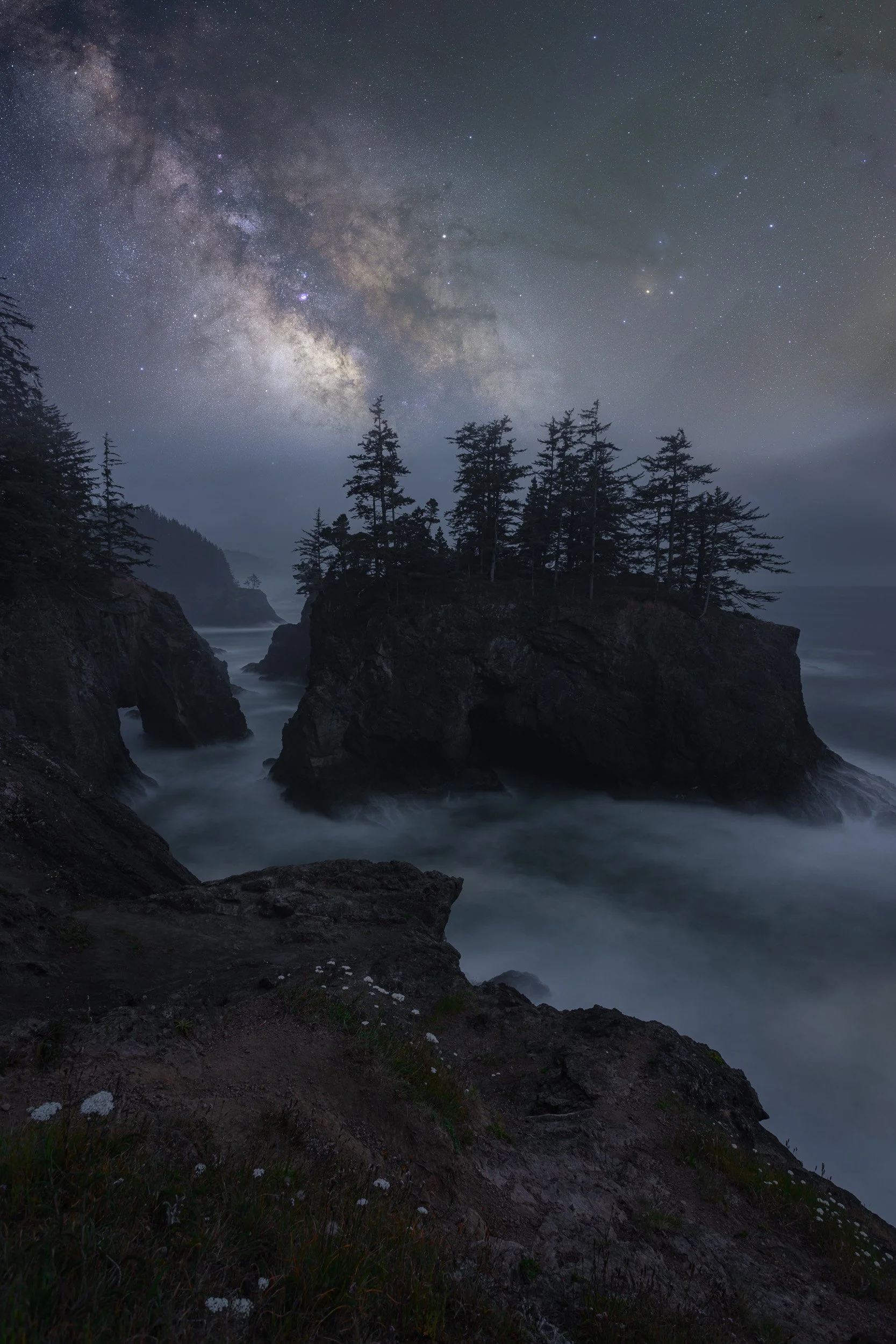
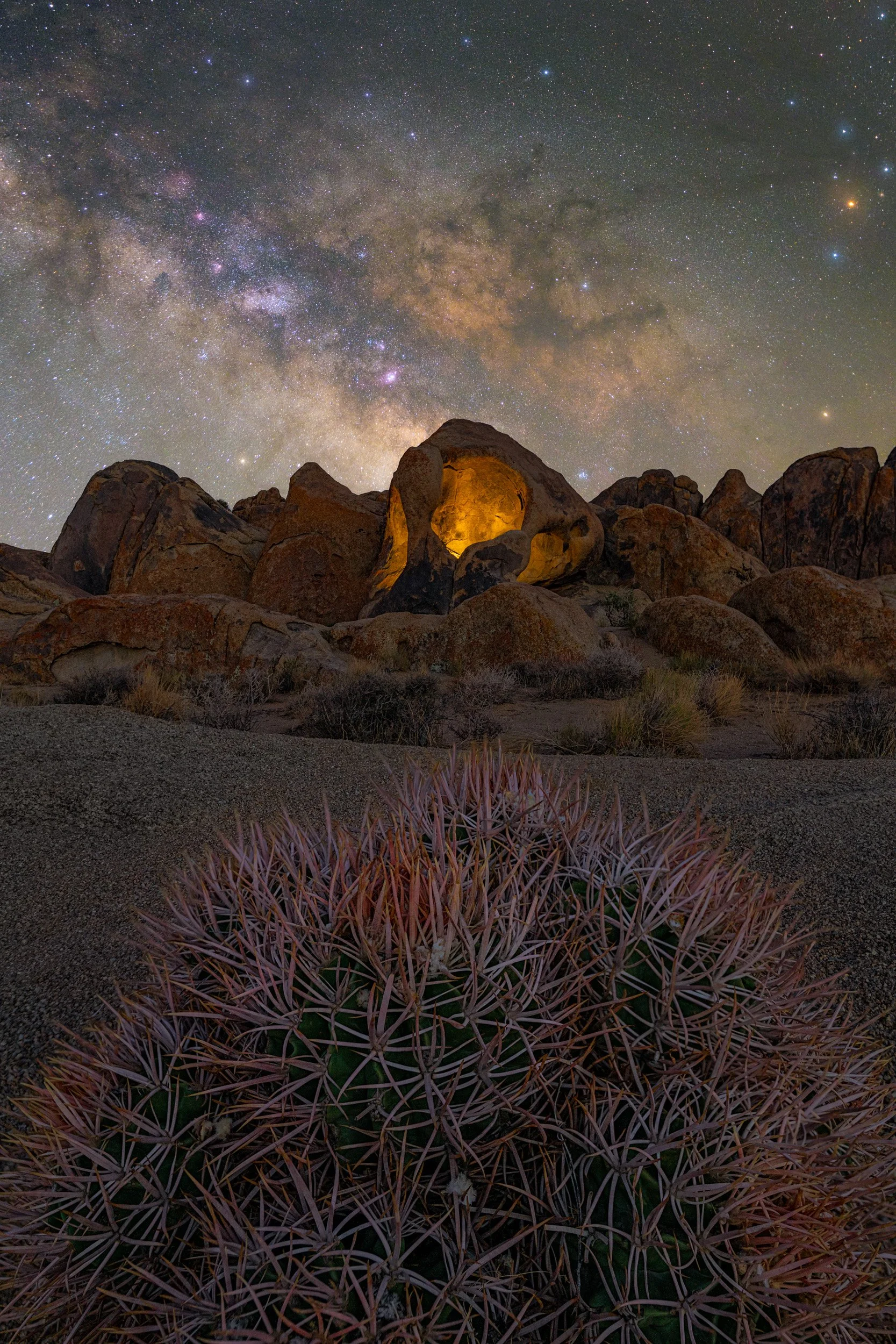
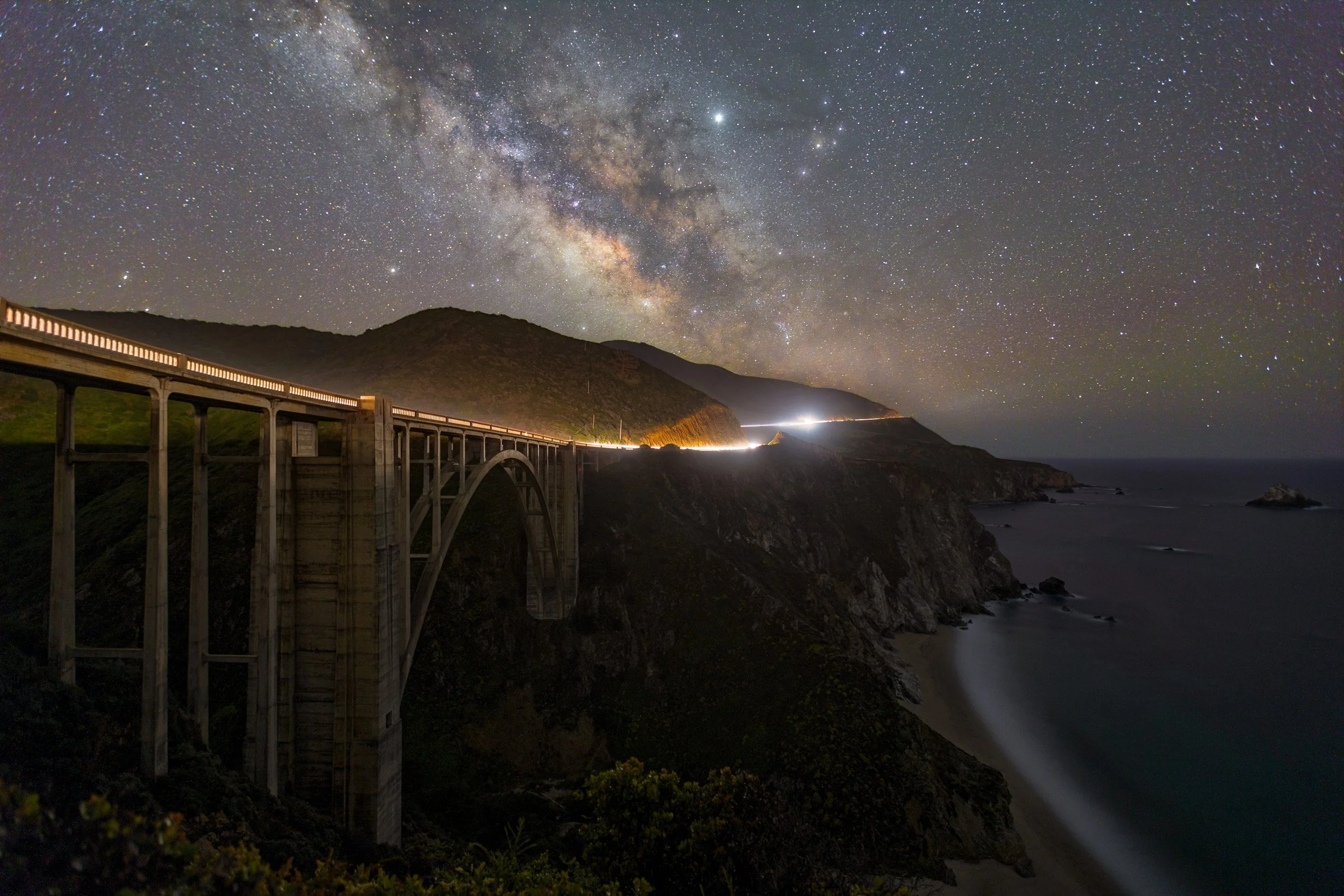
Advanced Noise-Reduction Stacking: Specialized astrophotography workflows to cleanly stack multiple star frames and completely eliminate high-ISO sensor noise.
Luminosity Masking & Tonal Control: Utilizing targeted luminosity selections to execute localized dodging and burning with total pixel isolation.
Shared Masterclass Themes
Critical technical and artistic disciplines emphasized across all experience tiers:
Developing a signature, consistent editing style that looks intentional, refined, and portfolio-ready.
Prepping, sharpening, and soft-proofing image files for flawless, color-accurate fine-art print production.
Understanding when to stay in Lightroom and when to deploy the advanced heavy-lifting capabilities of Photoshop.
Booking, Software & Remote Logistics
High-Definition Screen-Share Environments
Distance is no longer a barrier to master-tier instruction. These private sessions are hosted entirely online via high-definition, low-latency remote screen-sharing software, Google Meet. You will sit comfortably in your own editing space, working on your own computer monitor, while Chris guides you through mouse movements, keyboard shortcuts, and visual theories in real time.
Flexible Scheduling & Curation Hub
Unlike field workshops that are bound by unpredictable tide charts and weather patterns, private editing sessions feature immense calendar flexibility. To request a session, click the 'Inquire to Book' button to submit your current editing software, your primary technical goals, and your general weekly availability on our main Scheduling Hub. Chris will review your intake details, coordinate a seamless time block via email, and issue a secure digital invoice to lock in your date.
Technical Connection & Setup
Participants are responsible for providing their own stable internet connection and active computer microphone/audio setup so communication can flow fluidly. No prior screen-sharing experience is required; you will receive a simple, one-click access link via email when your session time begins.
Logistics & Preparation Checklist
What Is Included:
Dedicated 1-on-1 Digital Mentoring: Undivided, patient instruction completely customized to your personal learning speed, software choice, and artistic style.
Real-Time Image Diagnostics: Direct, live evaluation of your personal RAW files to show you exactly how much hidden color and tonal data can be cleanly recovered.
Custom Workspace Tuning: Optimization of your Lightroom and Photoshop performance settings to ensure your computer handles large files efficiently.
What Is Not Included:
Software licenses or active subscriptions (you must provide your own functioning copies of your preferred editing programs).
Physical computer hardware accessories, calibrated monitors, or external hard drives.
Simple Pre-Session Checklist:
To maximize our screen-share time block, please ensure you have the following assets ready before your session begins:
Software Ready: A computer with Adobe Lightroom Classic, Adobe Photoshop, or your preferred editing software cleanly installed and updated.
Your Raw Files: A dedicated folder containing 5 to 10 of your favorite uncompressed, unedited RAW files that you want to actively dissect and transform during the session.
Preparation: A notebook, tablet, or secondary device if you wish to take physical notes on step-by-step keyboard hotkeys and blending rules.

Operational Policies
Masterclass Outcomes
You will emerge from this private digital intensive with a definitive, repeatable post-processing framework. The intimidation of complex masking, tracking layers, and exposure blending will be completely stripped away. You will possess a cleanly organized catalog blueprint, a solid grasp of color theory, and the exact tools required to transform your raw field exposures into high-resolution, gallery-quality masterpieces.
Rescheduling & Continuity Policy
Because virtual sessions are entirely immune to coastal storms, marine layers, or cloudy night skies, they proceed rain or shine. However, we understand that personal calendars change. If an unexpected schedule conflict arises, you can seamlessly reschedule your digital screen-share session up to 48 hours in advance to any available future open slot on our calendar.
What Clients Say
”Hey Chris. I purchased your sunset workflow tutorial and I just wanted to say thank you. Awesome Video and for someone who pretty much knows nothing about photoshop and used lightroom exclusively, you made it pretty easy to follow. Had to pause and rewatch things to make sure I was doing it right, but like I said it was an awesome tutorial. Thanks again!”
— Jason Williams @jayrock26
Private Editing Masterclass FAQ
-
Click any of the "Inquire to Book" buttons on this page to submit your details through our scheduling form. Chris will personally review your software preferences, editing goals, and availability, then reach out via email to coordinate your session time and send a secure invoice to lock in your date.
-
Instruction is focused on Adobe Lightroom and Photoshop workflows. Many of my broad techniques will apply to other editing software applications, but tool specific techniques may not transfer over.
-
Sessions are hourly. You can book multiple hours back-to-back if desired, or necessary to complete workflows. Lightroom workflows are usually completed in 1 hour, Photoshop and Milky Way workflows are typically 2 to 3 hours.
-
Absolutely! Whether you’re a beginner or advanced editor, sessions are tailored to your goals.
-
No, this workshop focuses on post-processing only. Field shooting is covered in separate workshops. Some advanced techniques may require specific field captures to complete. To ensure you have the best captures ready to edit, a complete private workshop may be best, editing is included with select field workshops. Visit my private workshop page to learn more.
-
No. You must have your own computer and licensed editing software.
-
Additional support is available but billed separately based on session length. Quick answers or clarifications are provided via email or phone for no additional cost.
-
Yes, sessions are recorded and made available to you for review and use as you edit to solidify skills learned.
-
Please have your editing software installed and any specific images or projects ready that you want to work on. It’s helpful to think about your editing goals in advance. Chris will ask you to upload your own files to work on. He will also always reach out to seek your goals for the session to maximize learning and time usage.
-
Yes, organizational workflows in Lightroom can be covered as part of the session if requested or are deemed necessary due to lack of organization.
-
Sessions are live, interactive video calls hosted via Google Meet (with high-definition remote screen-sharing), and you will receive a full video recording afterward. While in-person sessions are available upon request, please note that they cannot be recorded, meaning you miss out on the long-term benefit of rewatching the workflows. Pre-recorded, customized video critiques are also available upon request, though they lack the real-time Q&A of a live call.
-
If an unexpected schedule conflict arises, please notify us at least 48 hours in advance to reschedule your session to a future open date. Because these dedicated time blocks are held exclusively for you and cannot be easily filled at the last minute, late cancellations or excessive rescheduling requests may result in a forfeiture of the session fee.
-
Yes! You can book a session as a gift for another photographer. Please contact Chris directly before booking a gift so he can help you select the ideal session length and learning block for the recipient.
-
Discounts may be available for booking multiple sessions upfront; please inquire for current offers.
-
Yes, you will receive the full video recording of our screen-share session along with any supplementary project materials we cover. If Chris provides full-resolution sample images for post-processing comparison, please note that these are for your private educational use only; any other use or distribution is strictly prohibited without explicit written consent.
-
The focus is on Adobe Lightroom Classic or CC and Photoshop for desktop; mobile app support is limited but can be discussed. Many of the broad techniques will apply to the mobile version of Adobe products or other editing applications.
Ready to Transform Your RAW Images?
Ready to take total control of your digital canvas and eliminate the editing guesswork? Click below to submit your inquiry, and let's map out your custom processing session.